1
APPENDIX
B
Migration Instructions
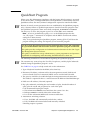
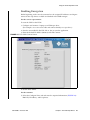
This appendix contains instructions to migrate keys:
■
From a: Key Management Station Version 1.x
■
To a: Key Management System Version 2.0 system
Prerequisites
A file of key data exported from a KMS 1.2 or later version database.
This can be on any media, such as a CD-Rom, memory stick, or external hard drive.
Note – The Key Management Appliance (KMA) does not have a functioning CD– or
DVD–drive. If exporting keys, make sure there is a system (PC or workstation)
available that can connect to the Encryption Management Network, the KMS Manager,
and the Key Management Appliances.
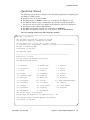
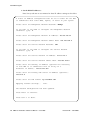
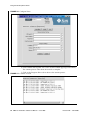
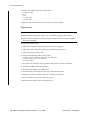
Input File Format:
A KMS 1.x file containing exported keys will have the following format:
<Key ID>,<Key Value>[,<Description>]
Where:
■
Key ID = A 64 character (hexadecimal) value that uniquely identifies each key;
■
Key Value = A 64 character (hexadecimal) value that is the cypher value of the key;
■
Description = An optional word or sentence used to describe each key.
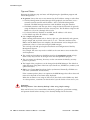
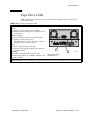
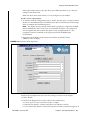
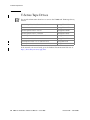
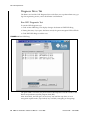
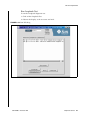
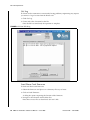
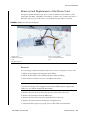
T10000 A tape drive firmware must be at 1.37.108 or higher to support
KMS Version 2.0.
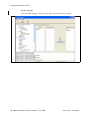
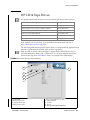
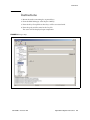
To upgrade the firmware in a T10000 tape drive, refer to:
T10000 Service Manual
StorageTek: 96175
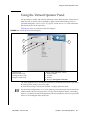
Virtual Operator Panel—Service
StorageTek: 96180
316194903 • Revision: BA
97