1
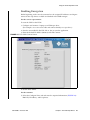
FIGURE 5-4
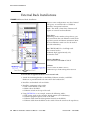
External Rack Installation
62
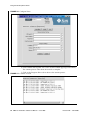
FIGURE 5-5
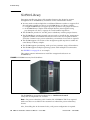
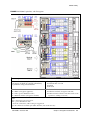
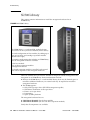
SL3000 Library
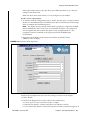
FIGURE 5-6
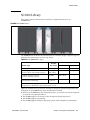
SL500 Library
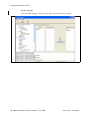
FIGURE 5-7
9310–PowderHorn–Library
FIGURE 5-8
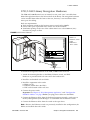
Drive Cabinet Ethernet Switch Installation 66
FIGURE 5-9
External Rack and Ethernet Cabling 67
FIGURE 5-10
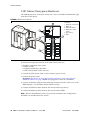
L-Series Libraries
68
FIGURE 5-11
L-Series Libraries
69
FIGURE 5-12
L-Series Libraries
70
FIGURE 5-13
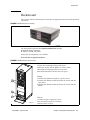
Rackmount Assembly 71
FIGURE 5-14
Rackmount Instructions
FIGURE 5-15
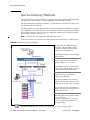
Systems Delivery Platform
FIGURE 6-1
KMA Replacement—Joining a Existing Cluster
77
FIGURE 6-2
KMA Replacement—Joining a Existing Cluster
78
FIGURE 6-3
System Upgrade
FIGURE 6-4
Restore Backup
FIGURE 6-5
System Dump
FIGURE 6-6
Switch Encryption On and Off
83
FIGURE 6-7
Switch Encryption On and Off
84
FIGURE 6-8
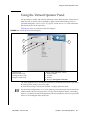
Virtual Operator Panel Display
FIGURE 6-9
Run LED Diag 86
FIGURE 6-10
Run LED Diag 87
FIGURE 6-11
Run LED Diag 88
FIGURE 6-12
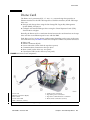
Dione Card and Connectors
FIGURE B-1
Import Keys
63
64
65
71
72
79
80
81
85
89
99
x KMS 2.0: Installation and Service Manual • June 2008
Revision: BA • 316194903