1
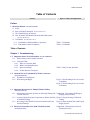
Table of Contents
Sections
Figures, Tables, and Supplements
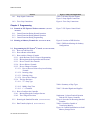
5.1.1.1. Run/Program Keyswitch
5.1.1.2. Automatic/Test Keyswitch
5.1.2. Display
5.1.3. Power Supply
5.1.4. CPU Processor Board
5.1.5. Outputs
5.1.6. Option Outputs
5.1.7. Analog to Digital Convertor
5.1.8. Temperature Probe
5.1.9. Pressure Sensor
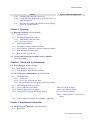
5.2. Serial Memory Storage Device Applications
(Document
BICUDC01)
5.3. Construction of External Serial Link Cables
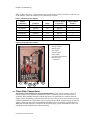
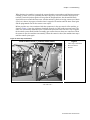
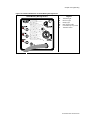
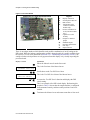
Figure 12: Serial Memory Storage Device
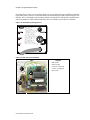
Figure 13: Rear View of Circuit Board
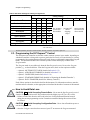
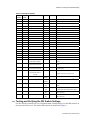
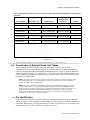
Table 12: DIP Switch Positions for Use
with E-P Plus and E-P Express
Machines (External Transmit Button
Required)
(Document
BICWUC01)
5.3.1. Pin Identification
5.3.2. How to Wire the Cables
5.3.2.1. Cable Specifications
5.3.2.2. Connecting Two or More Machines for
Machine-to-machine Transfer
5.3.2.3. Connecting a Machine to a Serial Memory Storage
Device
PELLERIN MILNOR CORPORATION
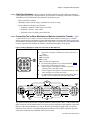
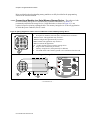
Figure 14: 9-Pin DIN Connector Pin
Identification (from wire entry side of
connectors)
Table 13: External Serial Link Pin
Assignments
Figure 15: Wiring Diagram for Cable to
Connect Two or More Machines
Figure 16: Wiring Diagram for Cable to
Connect a Machine to a Serial Memory
Storage Device