1
Medtronic Confidential
CS0010
ACT_A.fm 6/25/12 3:25 PM
5.5" x 7.75" (139.7 mm x 196.85 mm)
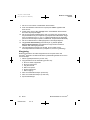
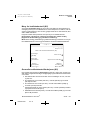
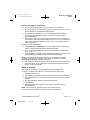
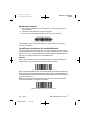
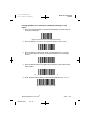
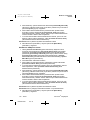
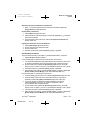
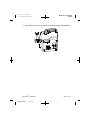
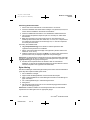
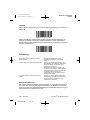
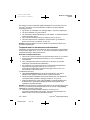
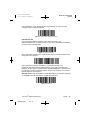
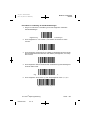
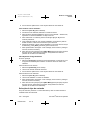
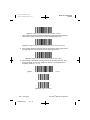
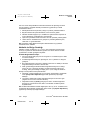
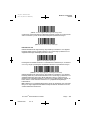
Procedure for setting the defaults:
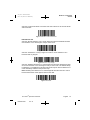
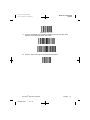
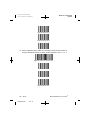
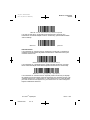
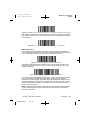
1. To ensure that the scanner is reset, first scan the Set All Defaults bar code.
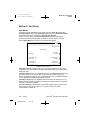
Figure 18. Set All Defaults bar code
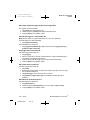
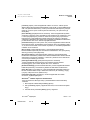
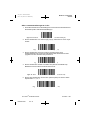
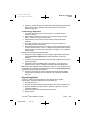
2. Scan the “Low Volume” bar code, unless a different volume is desired.
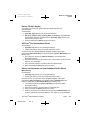
Figure 19. Low Volume bar code
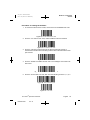
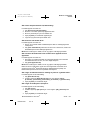
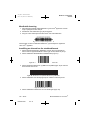
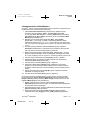
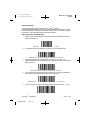
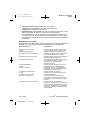
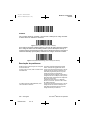
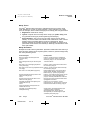
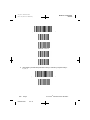
3. Scan the "Transmit Code ID" barcode to allow the barcode scanner to
transmit the ID of Barcode format along with the data of the barcode that was
just scanned.
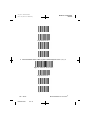
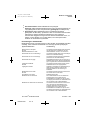
Figure 20. Transmit Code ID
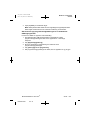
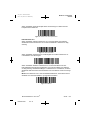
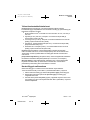
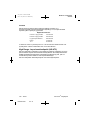
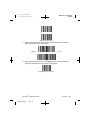
4. Scan the “Enable UCC/EAN-128” bar code. The cartridges and controls use
this format.
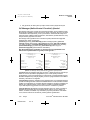
Figure 21. Enable UCC/EAN-128 bar code
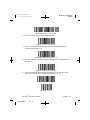
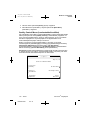
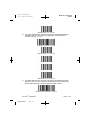
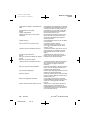
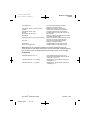
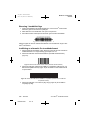
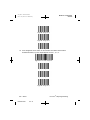
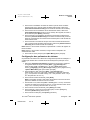
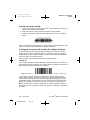
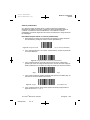
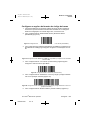
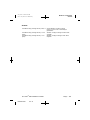
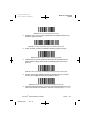
5. Scan the “Scan Prefix” bar code, then scan the following numbers: 1, 0, 0, 2.
Figure 22. Scan Prefix bar code
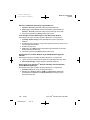
Figure 23. 1 bar code
ACT Plus® Operator’s Manual
M938504A002
Rev B
English
63