1
6
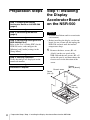
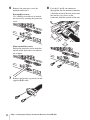
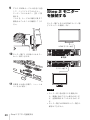
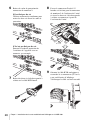
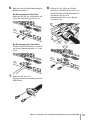
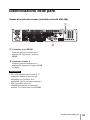
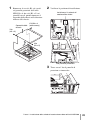
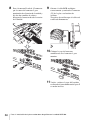
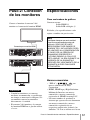
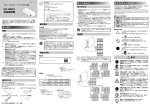
Remove the protective cover for
monitor connector 2.
If secured by screws
Use a Phillips screwdriver to remove
the two screws securing the protective
cover.
8
Pass the 15-pin D-sub connector
through the slot for monitor connector
2 from the inside of the unit, and secure
the two hex cap screws to the
connector from the outside of the unit.
If not secured by screws
Push in the protective cover from the
outside of the unit with a screwdriver,
for example.
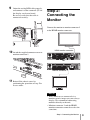
7
8
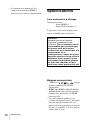
Remove the two hex cap screws on the
supplied RGB cable.
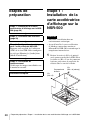
Step 1: Installing the Display Accelerator Board on the NSR-500