1
Creating a RoutePack
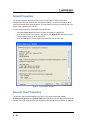
Whenever you create a route, you must have a RoutePack in which to contain the route. You
can create a RoutePack in any of three ways:
• RoutePack Wizard
• Drag-and-drop method
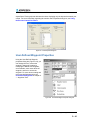
• RoutePack Properties dialog box
Creating a RoutePack and Route by Using the
RoutePack Wizard
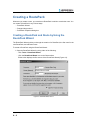
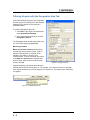
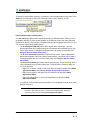
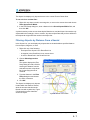
The RoutePack Wizard guides you through the creation of a RoutePack, the first route for the
new RoutePack, and alternate routes.
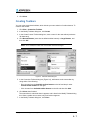
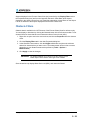
To create a RoutePack using the RoutePack Wizard:
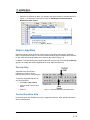
1. Open the RoutePack Wizard by doing either of the following:
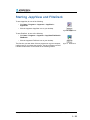
- Click Tools > RoutePack Wizard.
- Click the RoutePack Wizard icon on the Chart toolbar.
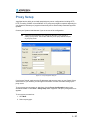
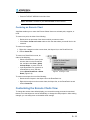
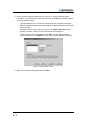
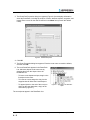
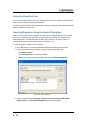
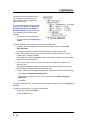
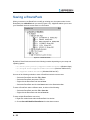
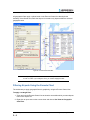
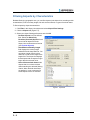
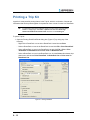
Either action displays the first screen of the RoutePack Wizard (Figure 4-2).
Figure 4-2
Jeppesen JeppView User’s Guide
4-4
RoutePack Wizard, screen 1
Copyright © 2004-2008 Jeppesen, All Rights Reserved