1
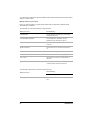
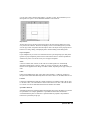
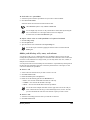
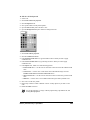
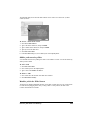
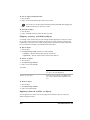
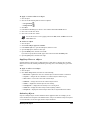
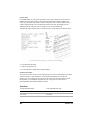
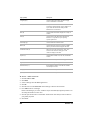
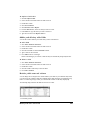
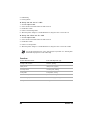
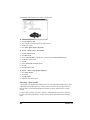
Managing files and data 6 File management is an important part of any project. You can open many different file formats in Quattro Pro, and you can import, insert, or combine data. You can also link data between notebooks or between Quattro Pro and another application. In this section, you’ll learn about opening and saving files sending files inserting, importing, and combining files importing text into columns linking and embedding objects creating notebook links Opening and saving files Using Quattro Pro, you can open files from other applications. For example, if you use Microsoft Excel or Lotus 1-2-3, you can open these files in Quattro Pro. You can also open files from the Internet. Quattro Pro can open a Quicken Interchange Format (.qif) file. You can also open files that contain startup macros, and because such macros may contain viruses, you can choose to open these files without launching their macros. You can save Quattro Pro data as database files, in dBASE or Paradox file format. The field names are based on the data in the first row of the first sheet. If the first row contains data that is invalid as a database field name, for example, containing numbers, spaces, symbol characters, or duplicate labels, Quattro Pro uses the spreadsheet column letters to represent the field names. You can save Quattro Pro files in other formats as well. To open a file from another application 1 Click File } Open. 2 Choose the drive and folder where the file is stored. 3 Choose the filename extension from the File type list box. 4 Double-click the filename. If the drive you require is not displayed in the Look in list box, you may have to map the drive. If the drive will not map to the path you specify, you may not have access to that location. Managing files and data 219