1
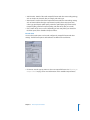
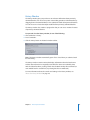
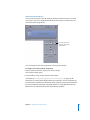
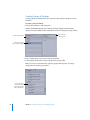
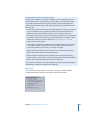
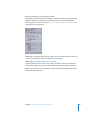
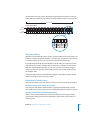
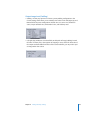
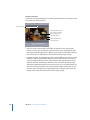
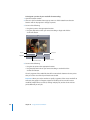
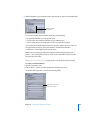
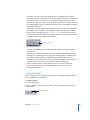
2 Open the Encoder pane in the Inspector window.
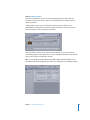
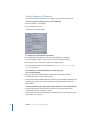
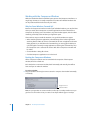
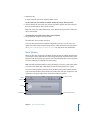
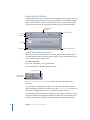
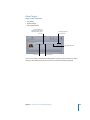
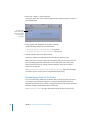
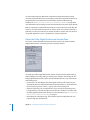
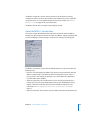
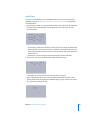
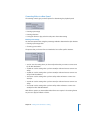
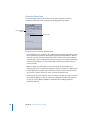
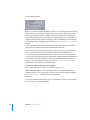
The default QuickTime Encoder pane appears, containing the Video and Audio Settings
buttons, Enable pop-up menus, the Streaming pop-up menu, the Options button
(dimmed), and the Summary table. See “About the QuickTime Movie Encoder Pane” on
page 224 for more information.
Note: Make sure that the Enable pop-up menus next to the Settings buttons are set to
Enable if you want those settings included in the transcoding.
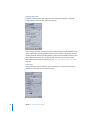
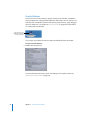
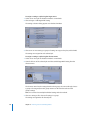
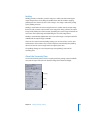
Step 2: Add a QuickTime video codec to a setting
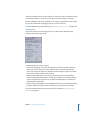
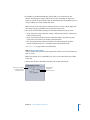
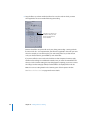
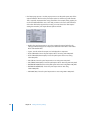
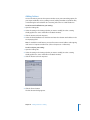
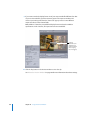
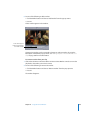
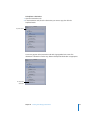
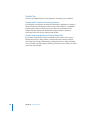
To add a QuickTime video codec to your setting, you need to open the Compression
Settings dialog and choose a video codec from the Compression Type pop-up menu.
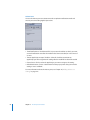
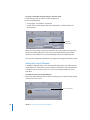
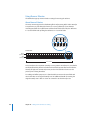
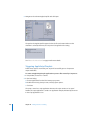
Note: If you don’t intend to use any video settings, deselect the Enable checkbox next
to the Video Settings button.
Chapter 17 Creating QuickTime Movie Output Files
231