1
Using the Certificate Page
Using the Certificate Page
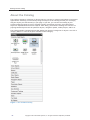
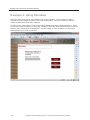
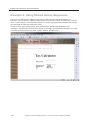
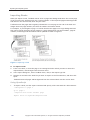
You can use the Certificate page from the Certificates category as-is or customize it to meet your
requirements.
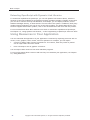
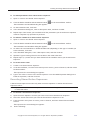
To use a Certificate page in your book:
► To use a Certificate page in your book:
1.
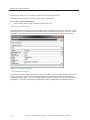
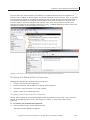
If you will not be using a Learning Management System, consider adding a Student Name
Prompt object from the Certificate category to the first page of your book. This ensures that
the learner’s name is captured and displayed on the certificate page after the learner
completes the course. If you do not add this object to the beginning of your book, this prompt
appears when the learner navigates to the Certificate page.
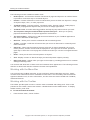
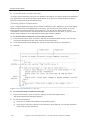
2.
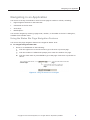
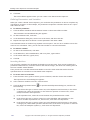
Navigate to the last page in your book and add the Certificate page to it from the Certificate
category in the catalog by double-clicking it.
3.
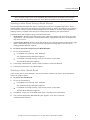
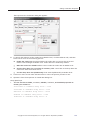
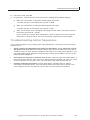
Access the basic properties of the Graphic object on the page and associate the required
image to it. Delete the graphic object if you do not want to display any graphic or logo.
4.
If you do not have a quiz in your book, delete the score object from the certificate page.
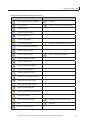
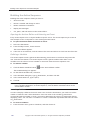
5.
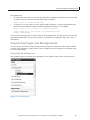
If you want the certificate page to be displayed from any other page in your book, add the
Display Certificate object from the Certificate category of the catalog to that page. Typically,
you would add it to the summary page of the book, where the final score would be displayed.
Copyright © 2012 SumTotal Systems, Inc. All rights reserved. Duplication prohibited.
165