1
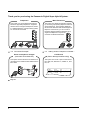
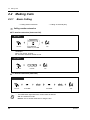
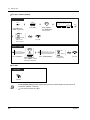
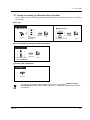
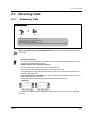
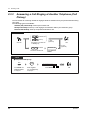
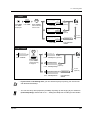
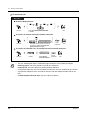
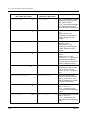
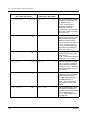
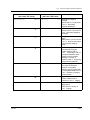
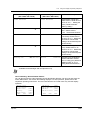
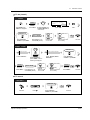
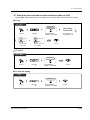
2.2 Making Calls
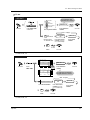
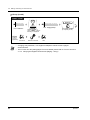
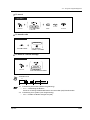
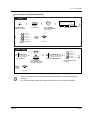
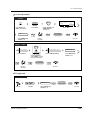
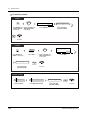
PT / SLT
(CO)
OR
9
(or
)*
0
phone no.
OR
8
0
1
D.Tone
to
Off-hook.
8
4
8
Enter phone number.
Talk.
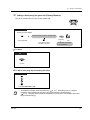
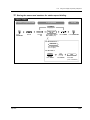
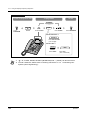
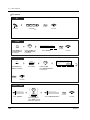
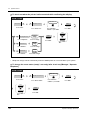
Seize an external line
(CO, 9 (or 0)* or 801-848).
*) 9: SP, 0: NL, JT
•
•
•
•
•
*1
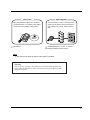
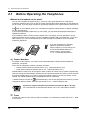
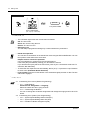
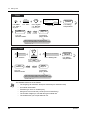
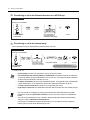
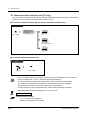
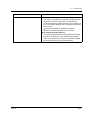
The CO button light shows the current status as follows:
Off: The line is idle.
Green on: You are using the line.
Red on: The line is in use.
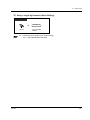
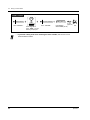
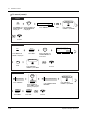
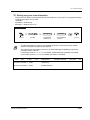
Emergency call
You can dial pre-programmed emergency numbers without any restrictions.
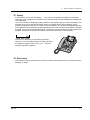
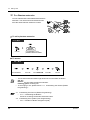
Hands-free operation
You can have a conversation in the hands-free mode using the SP-PHONE button. You can
then perform other tasks at the same time.
Helpful hints for hands-free operation
Use your telephone in a quiet room for best performance.
If the other party has difficulty hearing you, decrease the volume.
If you and the other party talk at the same time, parts of your conversation will be lost. To
avoid this, talk alternately.
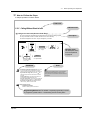
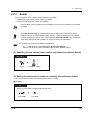
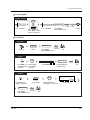
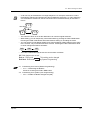
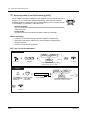
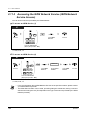
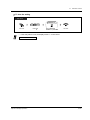
To select the less expensive line automatically, dial "9 (or 0)"*1 or press the Loop-CO button
to seize a line. (Automatic Route Selection)
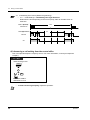
If you misdial, press the FLASH button or the switchhook lightly and then re-dial. The line
will remain engaged.
9 : SP, 0 : NL, JT
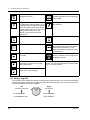
4.1
•
•
4.3
•
•
•
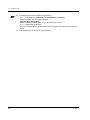
24
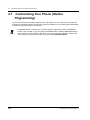
Customising Your Phone (Station Programming)
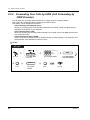
4.1.1 Initial Settings
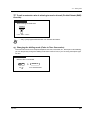
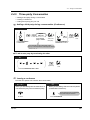
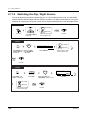
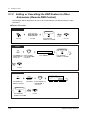
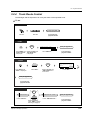
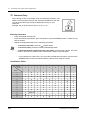
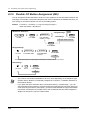
Preferred Line Assignment — Outgoing
Select the seized line when going off-hook.
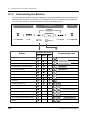
4.1.2 Customising the Buttons
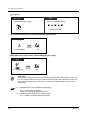
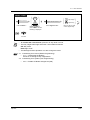
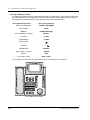
You can re-arrange the CO button assignment and change the ringing tone for each CO
button.
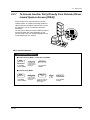
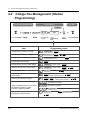
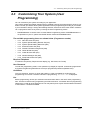
Customising Your System (User Programming)
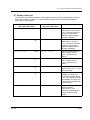
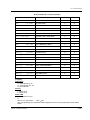
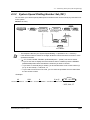
4.3.2 System Speed Dialling Number Set (001)
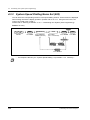
4.3.3 System Speed Dialling Name Set (002)
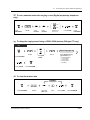
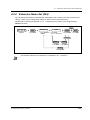
4.3.5 Flexible CO Button Assignment (005)
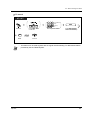
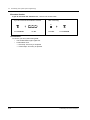
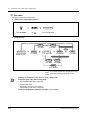
Operation