1
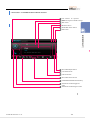
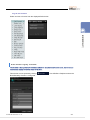
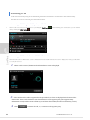
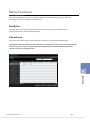
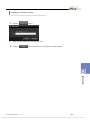
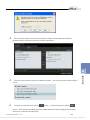
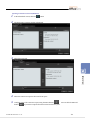
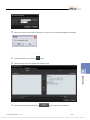
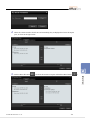
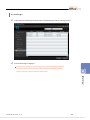
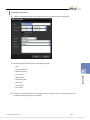
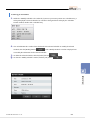
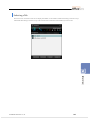
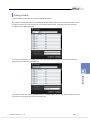
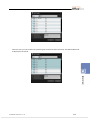
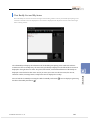
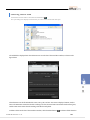
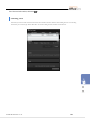
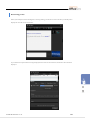
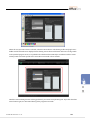
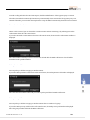
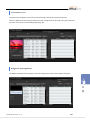
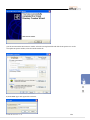
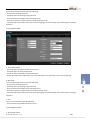
In contrast to the Send Files window, in the Receive Files window, you can only change the saving path and
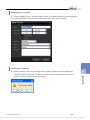
start or cancel receiving the files. When the Receive Files window is displayed, specify the path to save the files
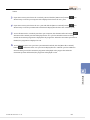
by clicking the Browse button and then click the Start Receiving button. To cancel receiving the files, click the
Cancel button.
© SAMSUNG Electronics Co., Ltd.
132