1
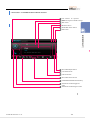
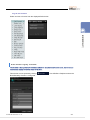
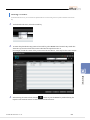
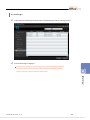
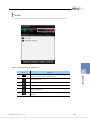
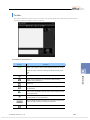
Toolbar
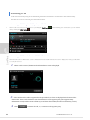
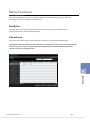
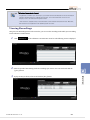
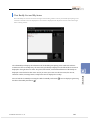
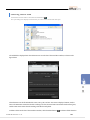
The toolbar contains the buttons you can use to control a call, the buttons for data communication, and the buttons
for inviting or deleting a buddy to or from a conference.
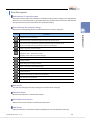
Each button is described below.
Button
Function
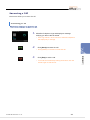
Makes a call. Only the master of the Chatting window can use this
button. If a call is connected currently, this button is displayed as
.
Disconnects a call.
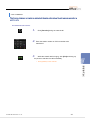
Begins a video conference. Only the master of the Chatting
window can use this button.
Sends a file.
Shares a whiteboard. Only the master of the Chatting window can
use this button.
Invites a new chat buddy. Only the master of the Chatting window
can use this button.
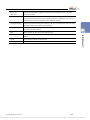
Forces a chat buddy out of a conference. Only the master of the
Chatting window can use this button.
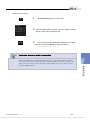
Shows or hides the Video screen You can control the Video screen
only if the Video Conference function is being used.
Saves the chat conversations.
© SAMSUNG Electronics Co., Ltd.
118