1
Setting up the PCL driver
5
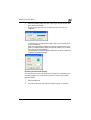
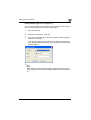
Printing the document number
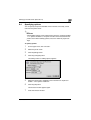
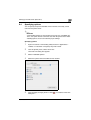
When printing multiple copies, you can print the number of each document.
1
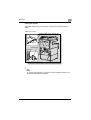
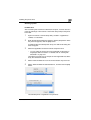
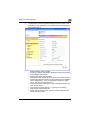
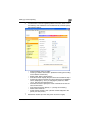
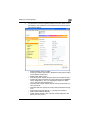
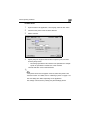
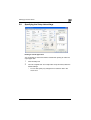
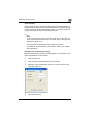
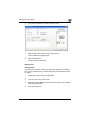
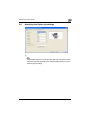
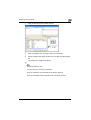
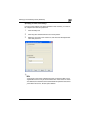
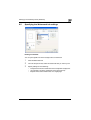
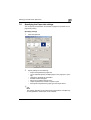
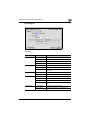
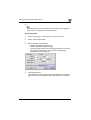
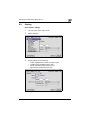
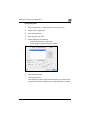
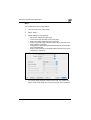
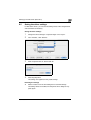
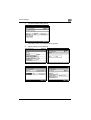
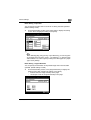
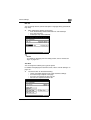
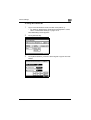
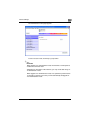
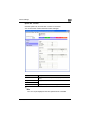
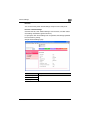
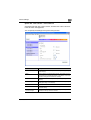
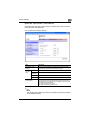
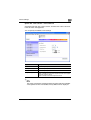
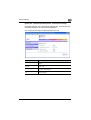
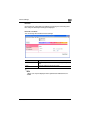
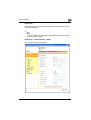
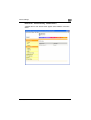
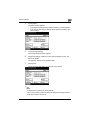
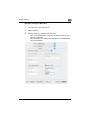
Click the Watermark tab.
2
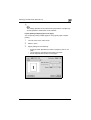
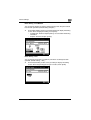
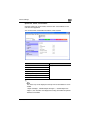
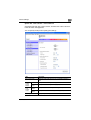
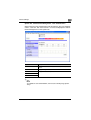
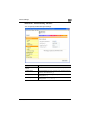
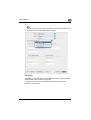
Select the “Distribution Number Stamping” check box.
3
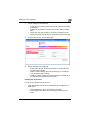
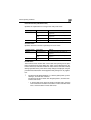
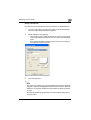
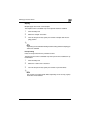
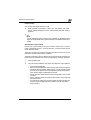
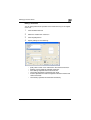
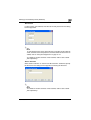
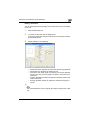
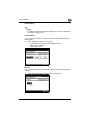
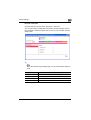
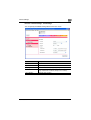
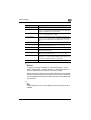
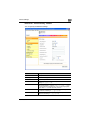
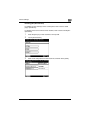
Specify settings for the following:
–
–
–
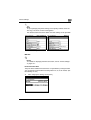
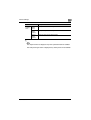
Pages to Print: Specifies the pages where the numbering is to be
printed.
Starting Number: Specifies the starting number.
Density: Specifies the density of the number being printed.
2
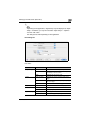
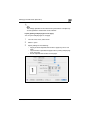
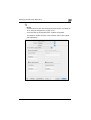
Note
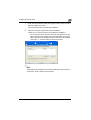
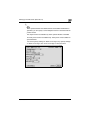
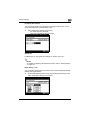
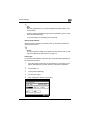
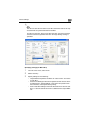
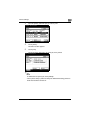
The “Distribution Number Stamping” check box is not available if the
“Collate” check box is not selected on the Setup tab.
200/250/350
5-26