1
Various settings
10
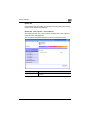
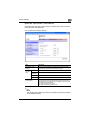
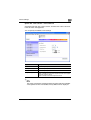
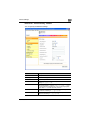
System tab - Counter
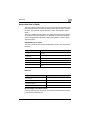
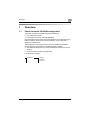
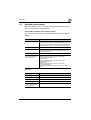
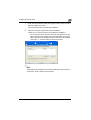
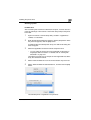
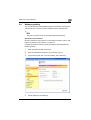
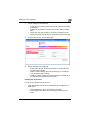
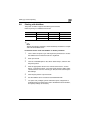
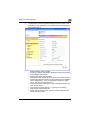
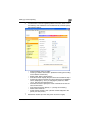
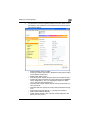
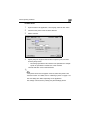
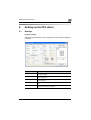
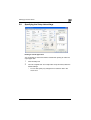
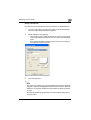
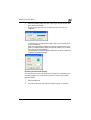
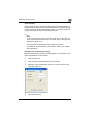
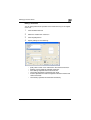
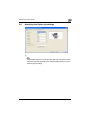
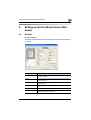
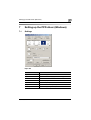
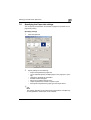
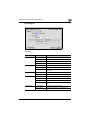
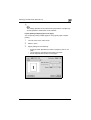
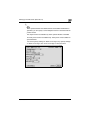
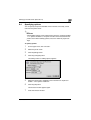
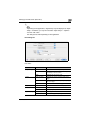
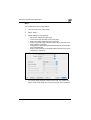
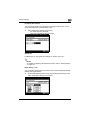
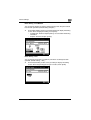
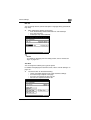
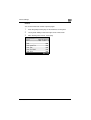
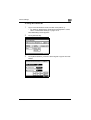
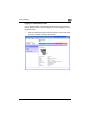
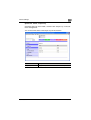
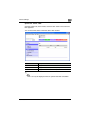
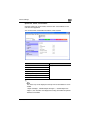
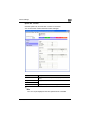
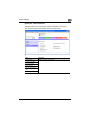
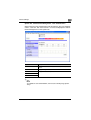
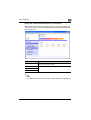
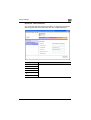
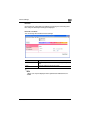
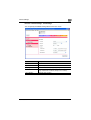
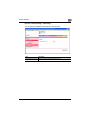
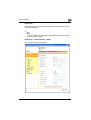
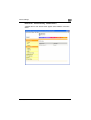
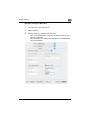
Click the System tab, and then click “Counter” in the menu.
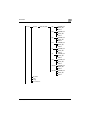
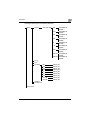
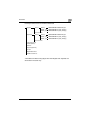
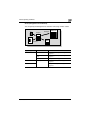
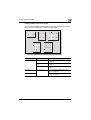
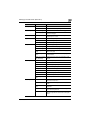
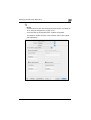
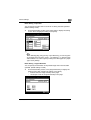
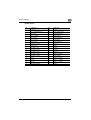
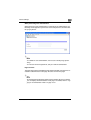
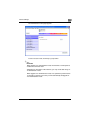
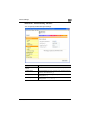
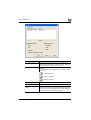
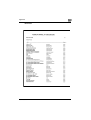
You can check the counters that this machine manages.
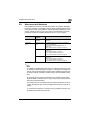
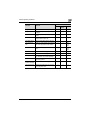
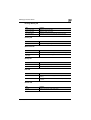
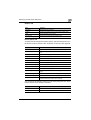
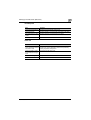
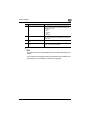
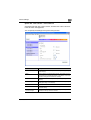
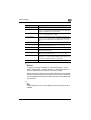
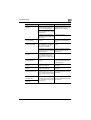
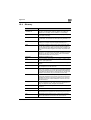
Item
Description
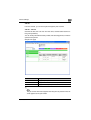
Counter
Displays the total of the output counter (copies, prints, scans, and
faxes).
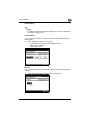
Copy/PC Print
Displays each counter.
Scanner/Fax
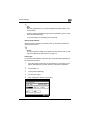
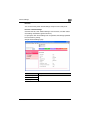
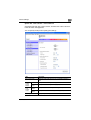
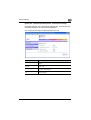
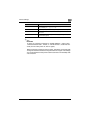
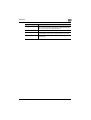
Paper Total Counter
Displays the output counter for each paper size.
2
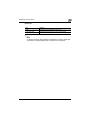
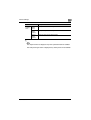
Note
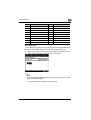
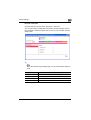
“Fax” can only be displayed when the optional fax kit is installed.
200/250/350
10-41