1
Restriction of web access: You can use TupSight to set time schedules (Internet access
or specific online activities can be disabled at certain times of day for a host, group, or the
whole local network) and flow limits, block/filter URLs (web-sites) by user-defined keywords,
disallow Email servers, and regulate chat/game or customized tools.
Lockup of MAC addresses: You can use TupSight to disallow the change of MAC and IP
addresses on the LAN. (Note: Lockup of IP addresses in a DHCP system will lead to the
network failure.)
The restrictions are set only by the system administrator (Admin).
2.3.1
General Settings
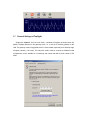
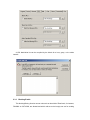
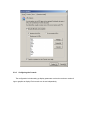
General settings consist of the following tasks: 1) Blocking the online activities in a specific
time period; 2) Blocking unmonitored PCs from accessing the Internet (i.e., the new host rule);
3) Setting data flow limits; and 4) Limiting data links. (Usually there are several data links for
each webpage).
2.3.2
Blocking/Filtering URLs (Websites)
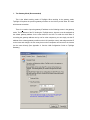
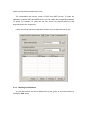
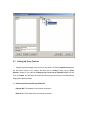
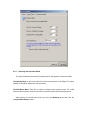
There are three modes to block/filter URLs: Disallow all the websites; allow part of
websites by user-defined keywords (blacklist); and allow part of websites (whitelist). For every
blocking/filtering mode you can set specific time schedules.