1
70 GeneAtlas® System User’s Guide
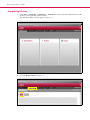
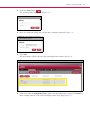
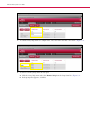
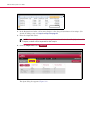
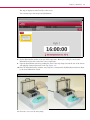
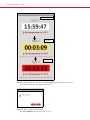
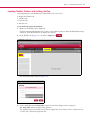
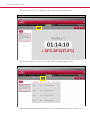
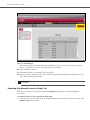
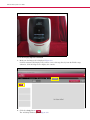
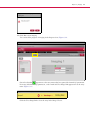
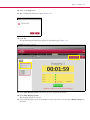
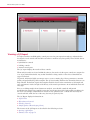
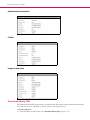
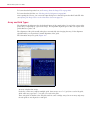
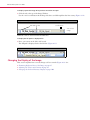
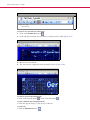
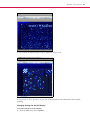
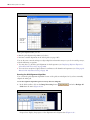
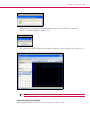
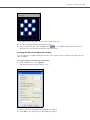
See a list of the arrays being imaged in the List view (Figure 6.14).
Figure 6.14 Imager tab, list view
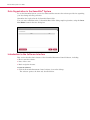
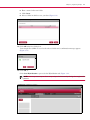
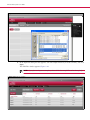
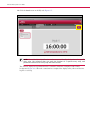
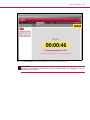
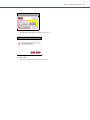
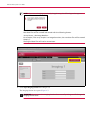
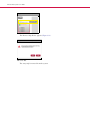
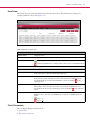
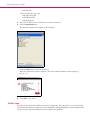
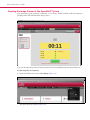
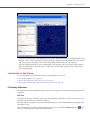
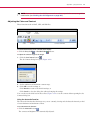
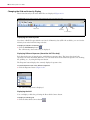
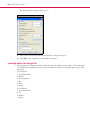
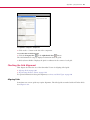
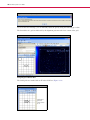
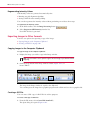
A notice appears when imaging is finished and the QC Report button appears (Figure 6.15).
Figure 6.15 Imaging finished
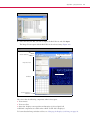
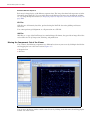
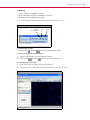
You can click on the View QC Report to see a QC report on the arrays (see Viewing a QC Report on
page 74).