1
88 GeneAtlas® System User’s Guide
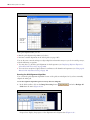
Opening the Image Viewer in the GeneAtlas® System
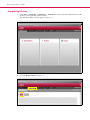
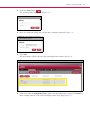
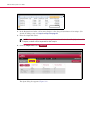
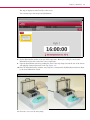
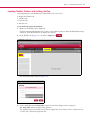
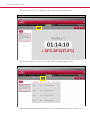
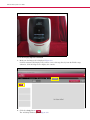
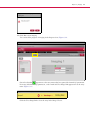
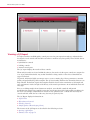
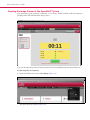
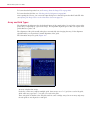
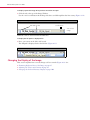
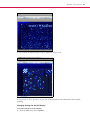
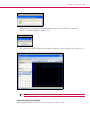
If an array fails to grid or generate a CEL file, a “view image” link is available on the User Interface.
Clicking on the link will launch the image viewer.
Figure A.1 Imager Tab with View Image notice
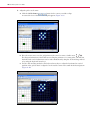
You can also open image files for inspection that did not fail gridding using the Open dialog box.
To open image files for inspection:
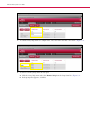
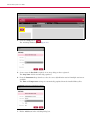
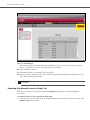
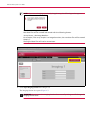
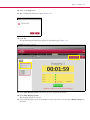
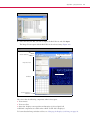
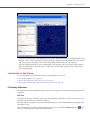
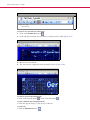
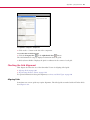
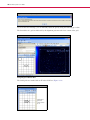
1. From the Utilities menu, select View Image (Figure A.2).
Figure A.2 Utilities Action menu
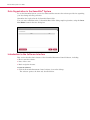
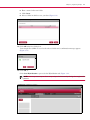
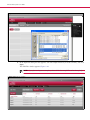
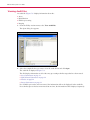
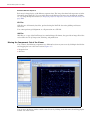
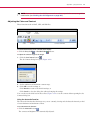
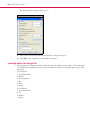
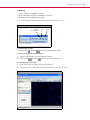
The Open dialog box opens (Figure A.3).