1
4.6.5 Sizing Images manually
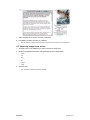
Alternatively the image may need to be sized manually for special sizes not in the actions.
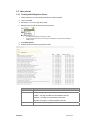
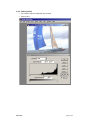
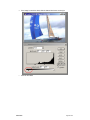
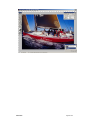
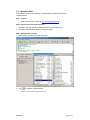
Open the image
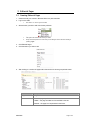
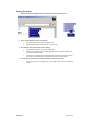
1. Start Photoshop.
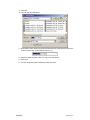
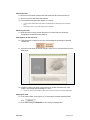
2. Open the image.
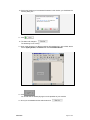
3. Zoom to full-screen or 100%, whichever is smaller.
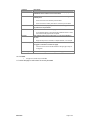
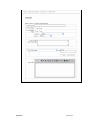
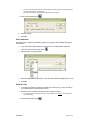
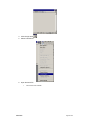
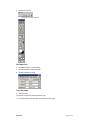
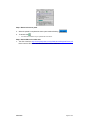
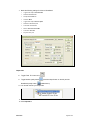
Select the crop tool
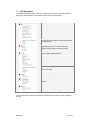
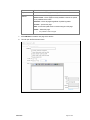
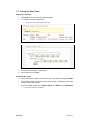
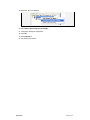
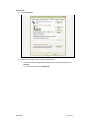
4. Left click the marquee tool
•
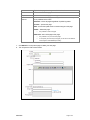
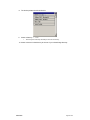
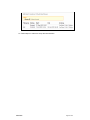
This will display the marquee options.
8/04/2005
Page 50 of 59