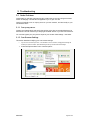
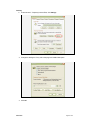
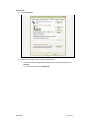
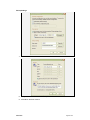
1
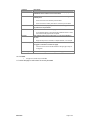
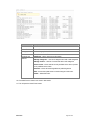
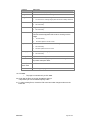
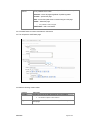
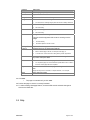
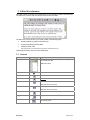
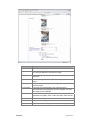
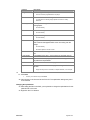
Element
Description
•
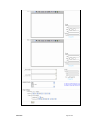
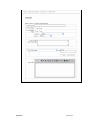
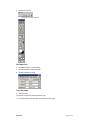
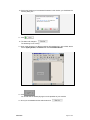
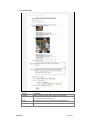
Bold the names of people and yachts.
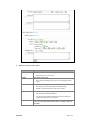
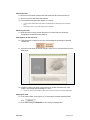
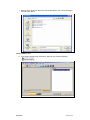
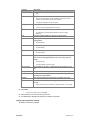
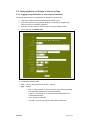
Image folder
Folder name for the editorial image
Image file
File name for the editorial image.
•
W
For information on selecting images please see Section 4 Gallery Reference
Width of the image.
•
H
Set automatically.
Height of the image.
•
Alt
Set automatically.
Alt tag for the editorial image.
This is the text that appears while a user is mousing over the
image.
Caption
Photographer
•
Set automatically.
•
Should be updated to suit the context.
The text that is shown underneath the image.
•
Set automatically.
•
Should be updated to suit the context.
The name of the photographer.
•
Set automatically.
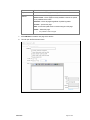
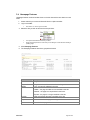
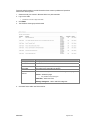
Change File
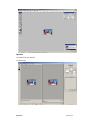
Update editorial image
Override
Controls whether the page is published in the site regardless of
its publish and expire dates.
Start / End
•
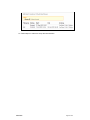
The calendar date and time that the event will start and end
Date / Time
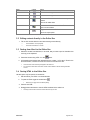
Save
Save changes to page
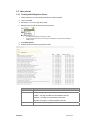
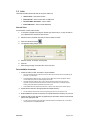
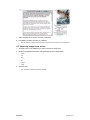
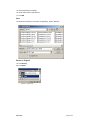
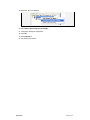
19. Click save.
•
The page is not stored until you click save.
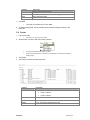
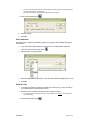
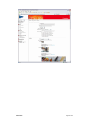
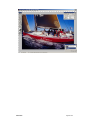
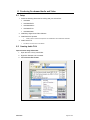
20. Check that the Event is correctly formatted by going to
<http://www.cyca.com.au/calendar.asp?key=796>
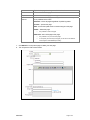
21. To edit an existing Event, choose the Edit control and make changes as above to the
Editor Box
8/04/2005
Page 18 of 59