1
SECTION 2
ACCESSING YOUR TELSTRA TOOLS AND
MANAGED SERVICES ONLINE
Important information
You need to be registered to use Your Telstra Tools to use Managed Services Online. For information on registration to Your Telstra Tools, visit:
www.telstra.com.au/business-enterprise/account-services/your-telstra-tools/index.htm
To log into Managed Services Online:
1.
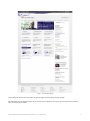
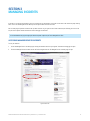
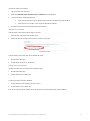
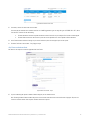
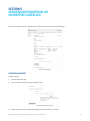
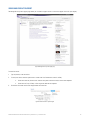
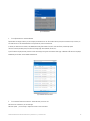
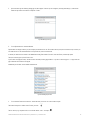
Visit the Telstra Business & Enterprise home page at www.telstraenterprise.com.au.
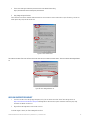
Figure 4: Telstra Business & Enterprise home page
2.
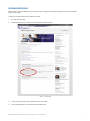
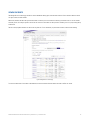
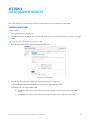
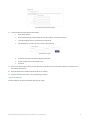
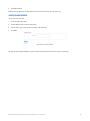
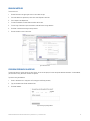
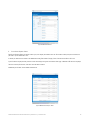
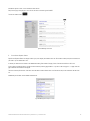
In the Log in to Self Service dropdown on the right side of the page, select Your Telstra Tools for Enterprise.
Figure 5: Telstra Business & Enterprise home page
3.
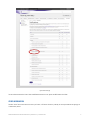
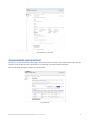
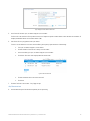
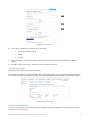
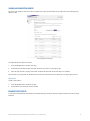
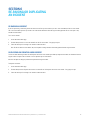
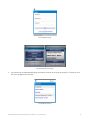
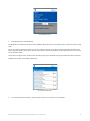
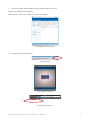
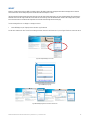
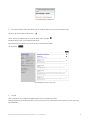
In the Your Telstra Tools Login, select Login via username/password.
MANAGED SERVICES ONLINE USER GUIDE | VERSION 3.0 | JANUARY 2013
9