1
Operation
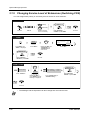
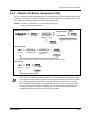
2.10.2
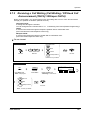
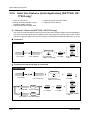
Recording a Call Log [KX-T7433, KX-T7436, KX-T7230,
KX-T7235 only]
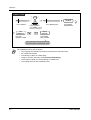
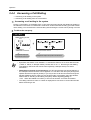
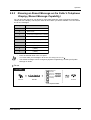
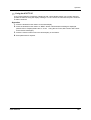
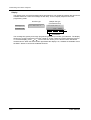
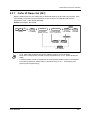
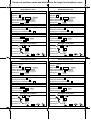
You can record the caller's information in the call log for the callback purpose. If you do not answer
the call, the log is recorded automatically. You can see the call duration by pressing the "INFO" or
FWD/DND button during the conversation.
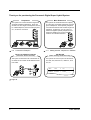
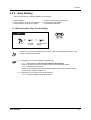
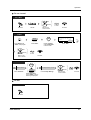
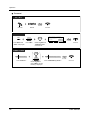
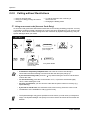
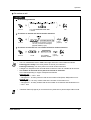
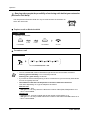
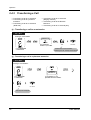
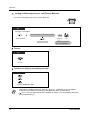
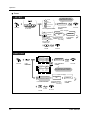
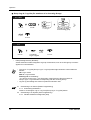
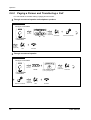
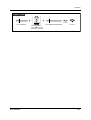
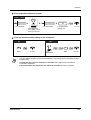
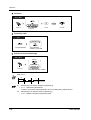
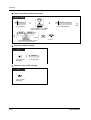
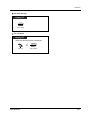
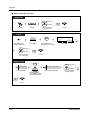
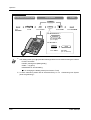
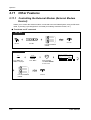
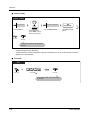
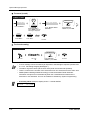
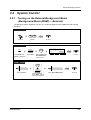
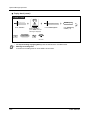
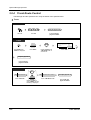
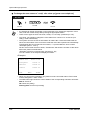
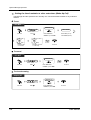
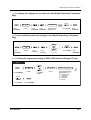
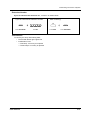
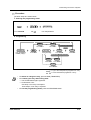
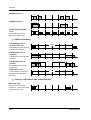
To record a call log
Display PT
During a conversation
LOG
Press "LOG."
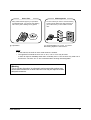
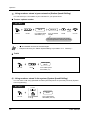
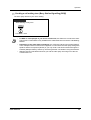
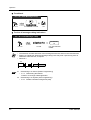
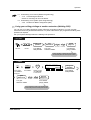
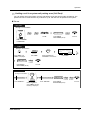
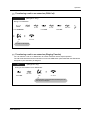
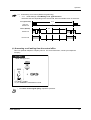
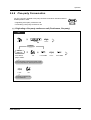
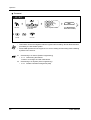
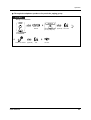
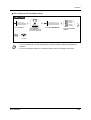
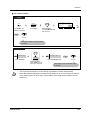
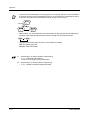
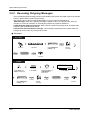
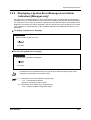
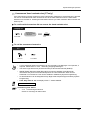
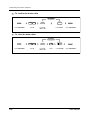
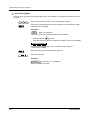
To view the call duration*
Display PT
<Display example>
10101 12:00'30
INFO
Press "INFO."
•
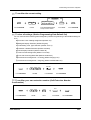
Extension
STA Speed
Features
SYS Speed
Call Log
INFO
LOG
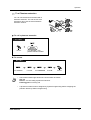
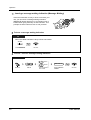
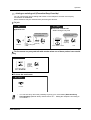
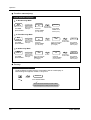
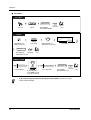
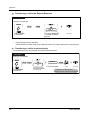
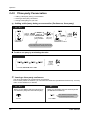
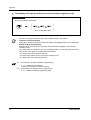
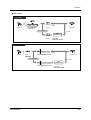
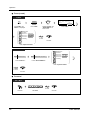
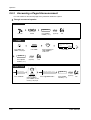
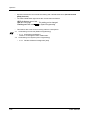
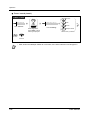
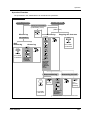
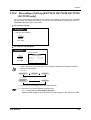
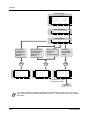
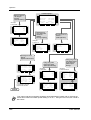
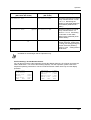
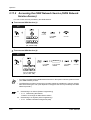
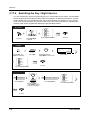
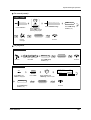
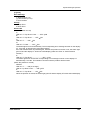
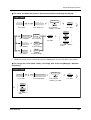
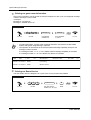
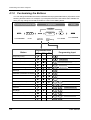
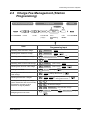
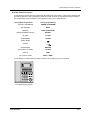
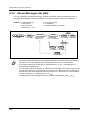
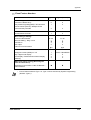
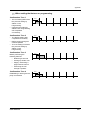
* A KX-T7433 and a KX-T7230 users may change the displayed message as follows by
pressing the INFO button.
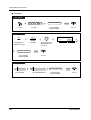
<KX-T7230>
Caller’s phone no.
Caller’s name
Call duration
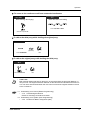
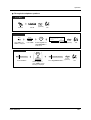
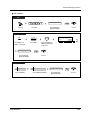
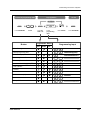
<KX-T7433>
Caller’s phone no.
Caller’s name
•
Call duration
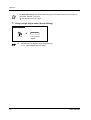
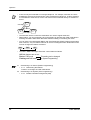
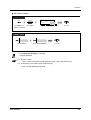
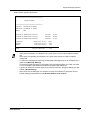
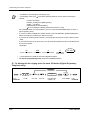
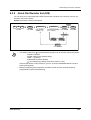
To return to the initial display, press the "MENU" button.
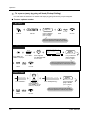
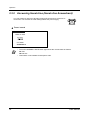
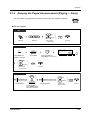
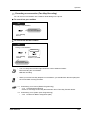
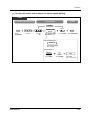
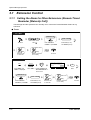
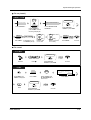
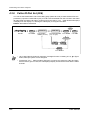
4.1 Customising Your Phone (Station Programming)
• 4.1.1 Initial Settings—Initial Display Selection
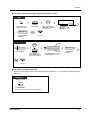
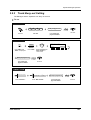
Select the initial display as either the Caller ID screen (default) or the outside line name.
User Manual
139