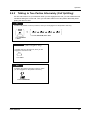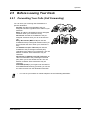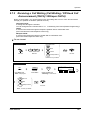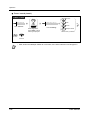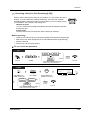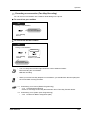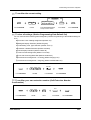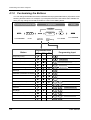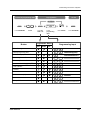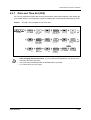
1
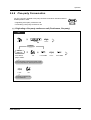
Operation
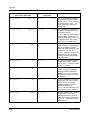
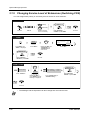
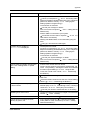
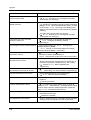
Group (contd.)
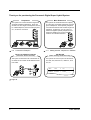
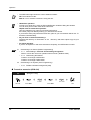
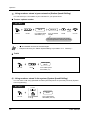
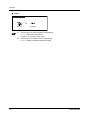
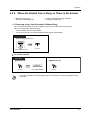
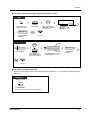
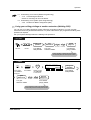
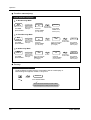
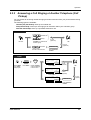
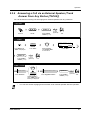
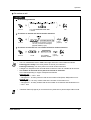
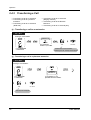
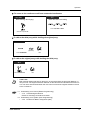
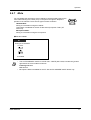
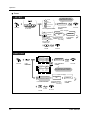
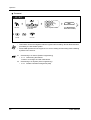
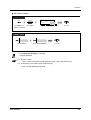
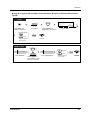
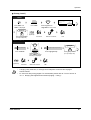
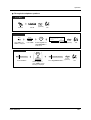
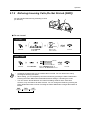
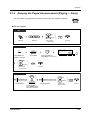
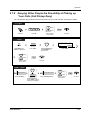
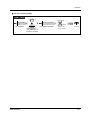
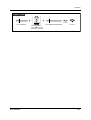
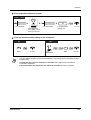
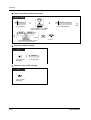
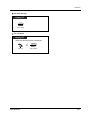
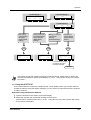
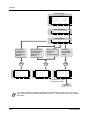
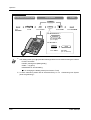
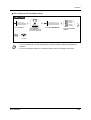
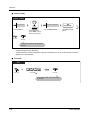
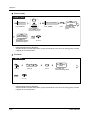
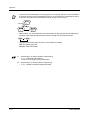
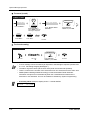
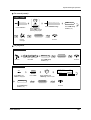
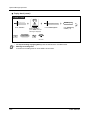
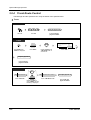
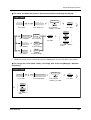
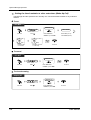
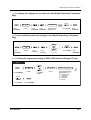
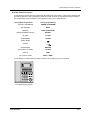
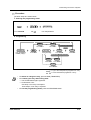
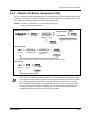
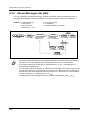
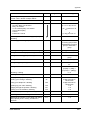
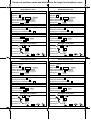
T7433
→P a g e G R P
Parallel
MENU
FEAT
SHIFT
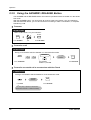
Press SHIFT until
"FEAT" is displayed.
Press "FEAT."
Rotate Jog Dial until
"Page GRP" is at the arrow.
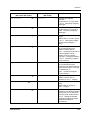
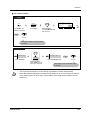
01-16
1/0
SEL
Press "SEL."
group no.
OR
#
C.Tone
(Optional)
Announce.
Enter group number
(01-16) or # (for all).
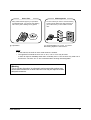
Wait for an answer.
Talk.
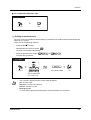
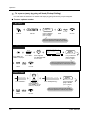
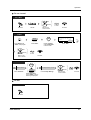
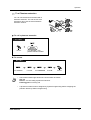
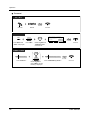
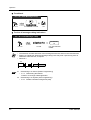
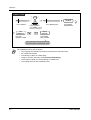
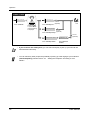
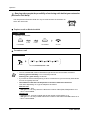
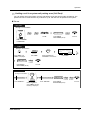
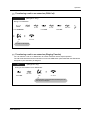
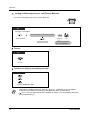
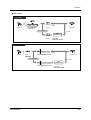
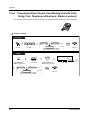
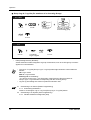
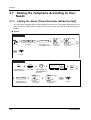
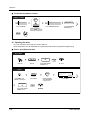
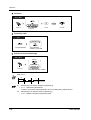
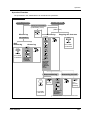
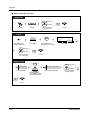
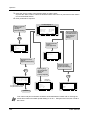
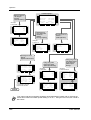
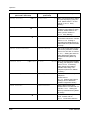
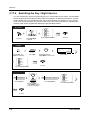
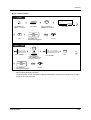
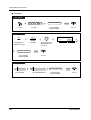
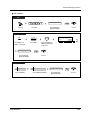
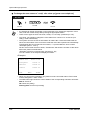
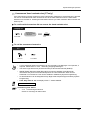
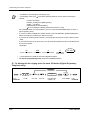
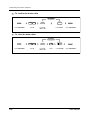
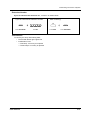
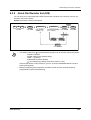
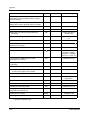
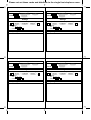
T7436 / T7235
group no.
Features
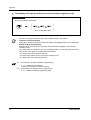
Paging Group (→#,01-16)
OR
Press "Paging Group."
Press "Features."
Rotate Jog Dial or
press "PREV" until the
following is displayed.
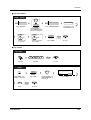
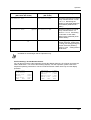
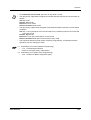
C.Tone
(Optional)
•
•
Announce.
Wait for an answer.
OR
#
PREV
Enter group number
(01-16) or # (for all).
Talk.
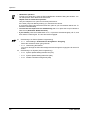
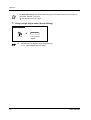
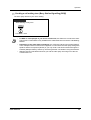
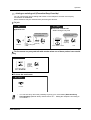
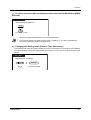
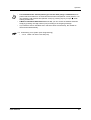
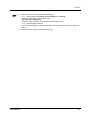
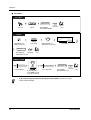
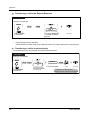
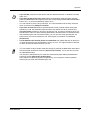
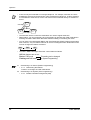
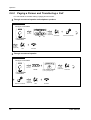
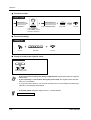
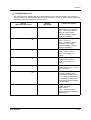
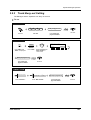
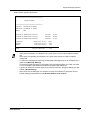
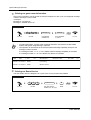
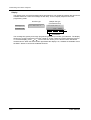
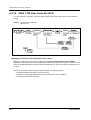
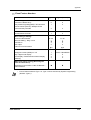
A ringing, busy extension, or a Single Line Telephone cannot receive a paged
announcement.
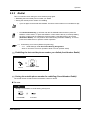
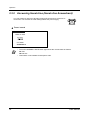
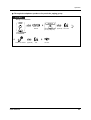
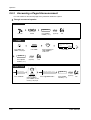
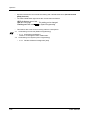
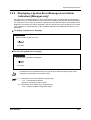
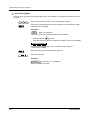
PT users can deny being paged. For more details, please refer to "To set / cancel" in
"2.7.4 Denying the Paged Announcement (Paging — Deny)."
User Manual
97