1
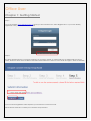
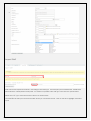
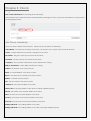
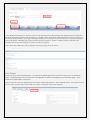
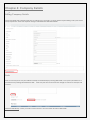
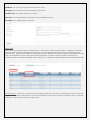
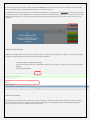
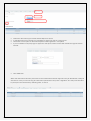
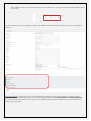
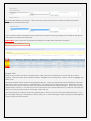
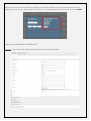
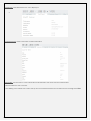
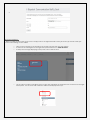
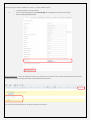
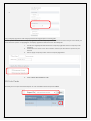
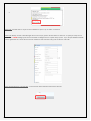
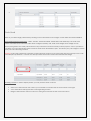
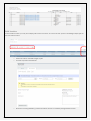
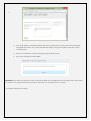
Once all fields are mapped, so that the name on the spread sheet header matches the mapping name, OR DO NOT
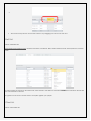
IMPORT is selected for columns with no data or no header match. Then Select Submit Excel File. Move your mouse off
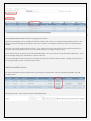
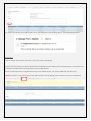
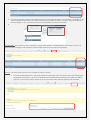
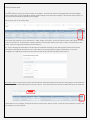
the Submit Excel File button. If you get a message asking if you would like to continue select OK. A Success Message in
Green will appear, indicating how many records have been inserted. If there is a large number of records to be
imported, you may need to refresh the screen for them to appear.
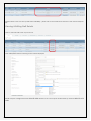
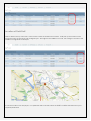
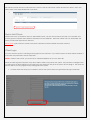
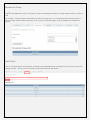
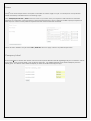
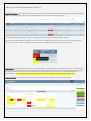
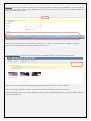
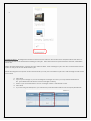
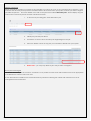
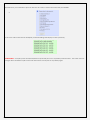
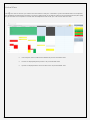
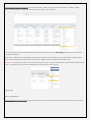
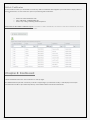
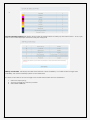
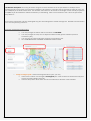
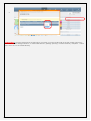
Once clients are added, they will be displayed under the Client Menu as follows.
Sub Clients
Where a business will do third party jobs. For example a gardening business may have a client who is a real estate
agent. The gardening business is employed to tidy gardens at residents managed by the real estate agent. These
residents are third parties or sub clients.
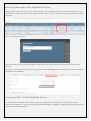
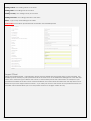
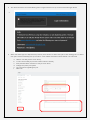
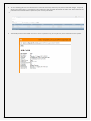
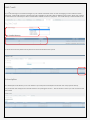
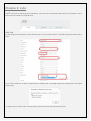
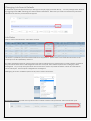
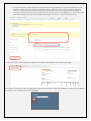
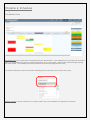
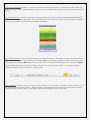
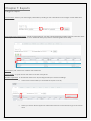
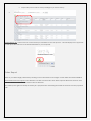
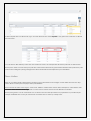
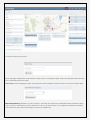
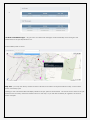
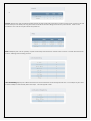
Click on the client who has appointed you to work at a third party location. Select Add Sub Client. The entry screen for
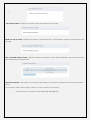
the sub client contains all the same fields as the client. Sub clients cannot be imported