1
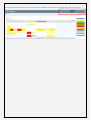
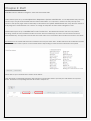
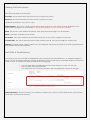
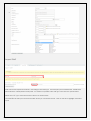
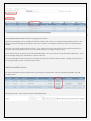
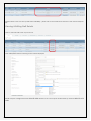
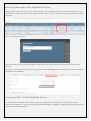
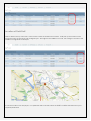
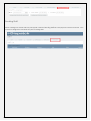
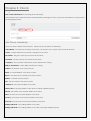
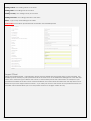
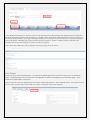
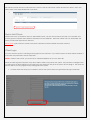
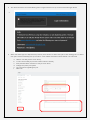
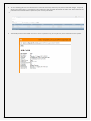
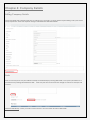
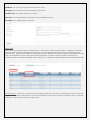
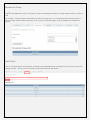
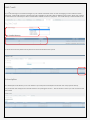
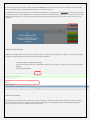
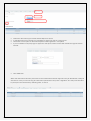
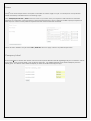
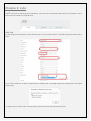
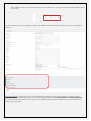
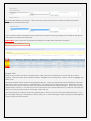
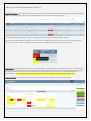
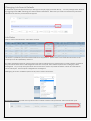
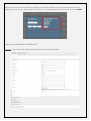
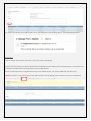
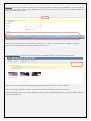
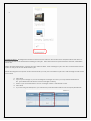
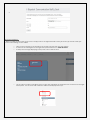
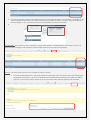
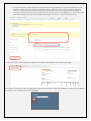
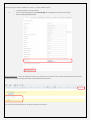
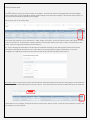
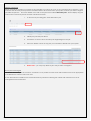
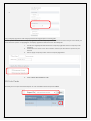
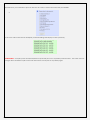
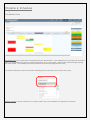
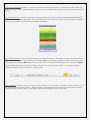
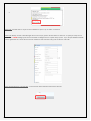
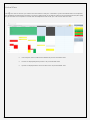
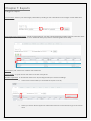
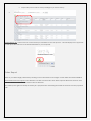
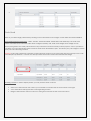
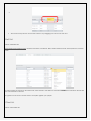
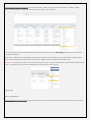
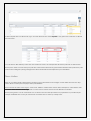
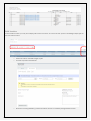
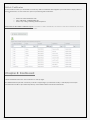
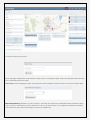
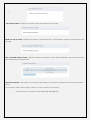
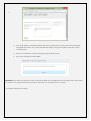
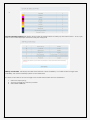
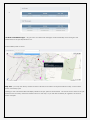
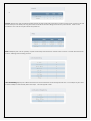
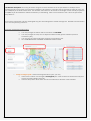
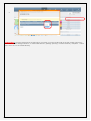
Job Duration Exceptions shows any job which has gone over the duration set in the job details. For example when entering the job in the system it is enter with a duration of 30 minutes to complete the job and the job takes an hour, this job will display in the 30-60 minute area. This will allow the business to be aware of the length of time actually required to complete a job and therefore maximum efficiency in scheduling. Click on the numbers to see a list of the jobs which they relate to. 5-15 minutes. Businesses can then interrogate why jobs are starting late to better manage this. Numbers can be clicked on to see the jobs they pertain to. Assigning work based on job location. o You may change the Select date to tomorrow and SET DATE You may change the map view to All jobs booked in today [which will then represent tomorrow’s jobs] You may see the current job status summary of tomorrow’s jobs. ALL OTHER FIELDS WILL CONTINUE TO REFLECT TODAY’S DATA Assign unassigned jobs. When reviewing tomorrow’s jobs, you may Click on the number of to the right of Unassigned jobs, under Current Job Status Summary and see the summary detail of any jobs. Click the drop down arrow at the end of the staff field, to allocate a staff member.