1
Troubleshooting
5
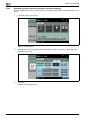
5.2.16
5
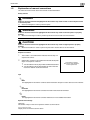
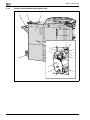
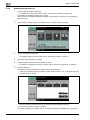
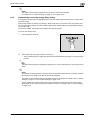
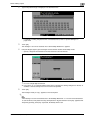
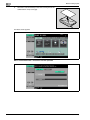
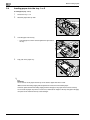
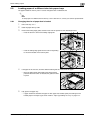
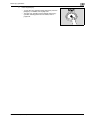
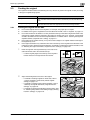
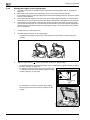
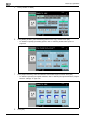
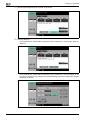
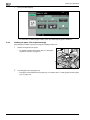
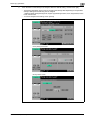
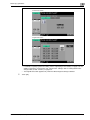
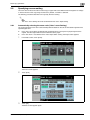
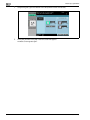
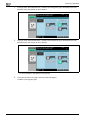
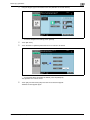
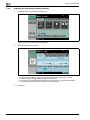
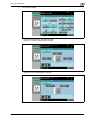
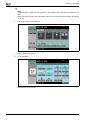
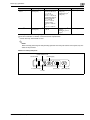
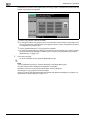
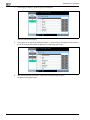
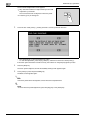
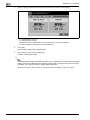
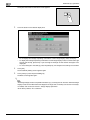
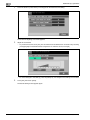
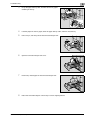
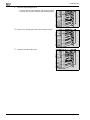
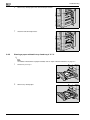
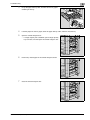
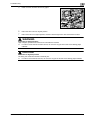
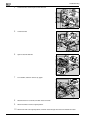
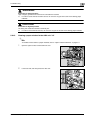
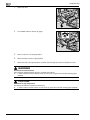
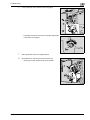
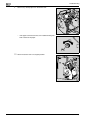
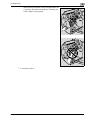
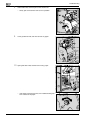
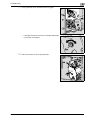
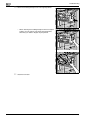
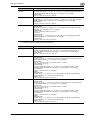
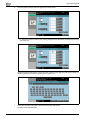
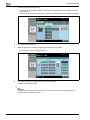
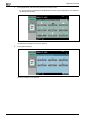
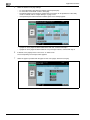
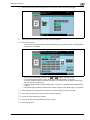
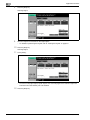
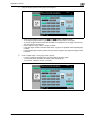
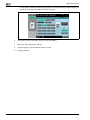
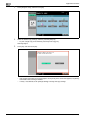
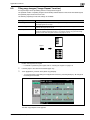
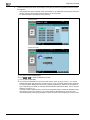
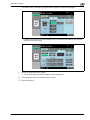
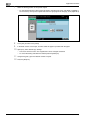
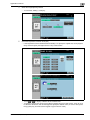
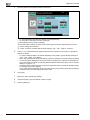
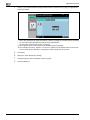
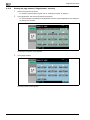
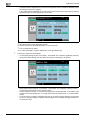
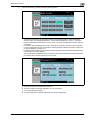
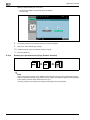
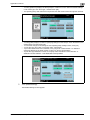
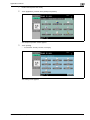
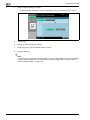
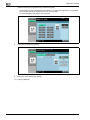
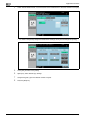
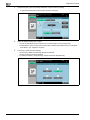
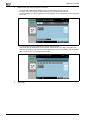
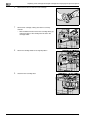
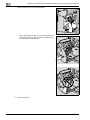
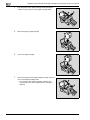
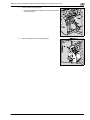
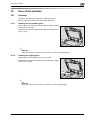
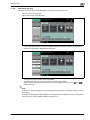
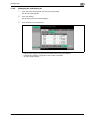
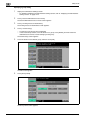
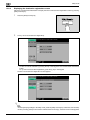
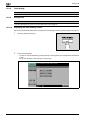
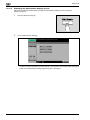
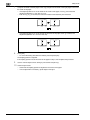
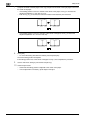
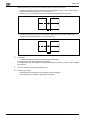
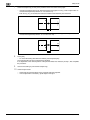
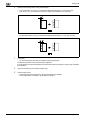
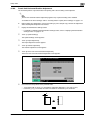
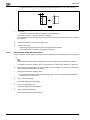
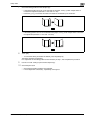
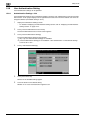
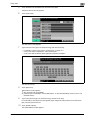
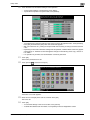
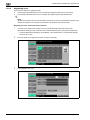
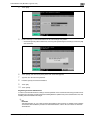
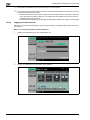
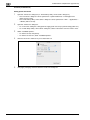
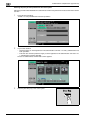
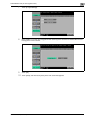
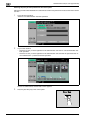
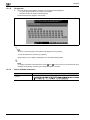
Lift up the paper tray, and then remove any original pages.
6
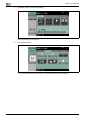
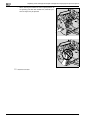
Return the paper tray to its original position.
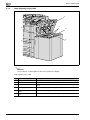
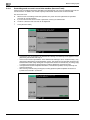
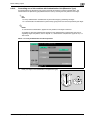
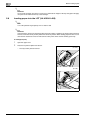
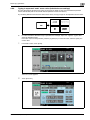
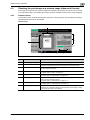
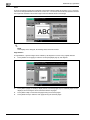
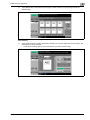
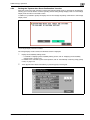
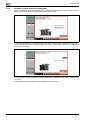
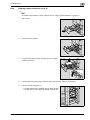
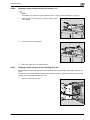
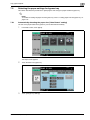
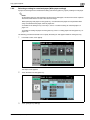
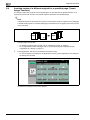
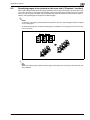
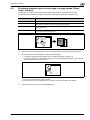
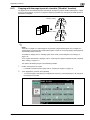
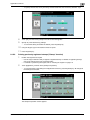
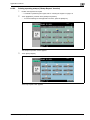
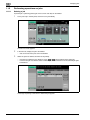
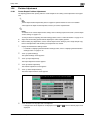
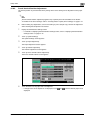
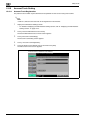
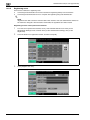
Clearing a paper misfeed in the ADF "15"
2
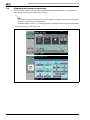
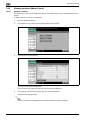
Note
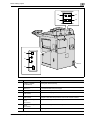
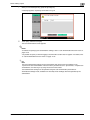
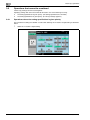
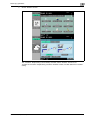
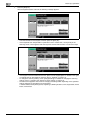
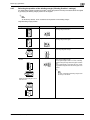
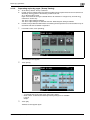
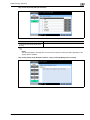
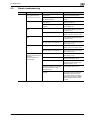
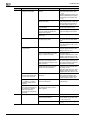
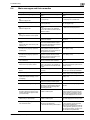
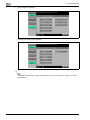
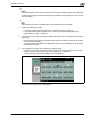
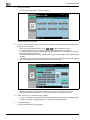
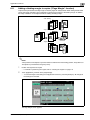
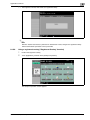
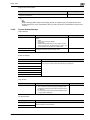
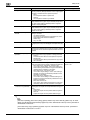
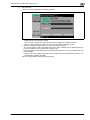
For details of the locations of paper misfeeds, refer to "Paper misfeed indications" on page 5-7.
5-28
1
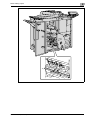
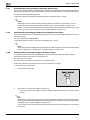
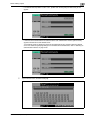
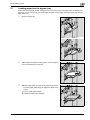
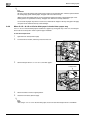
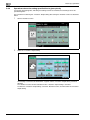
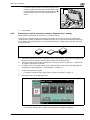
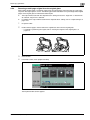
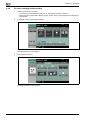
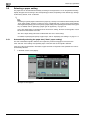
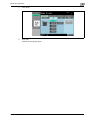
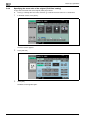
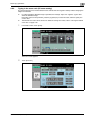
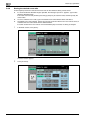
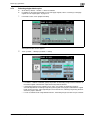
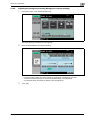
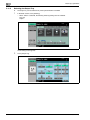
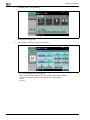
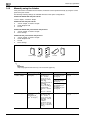
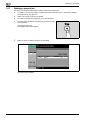
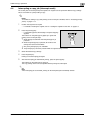
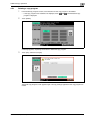
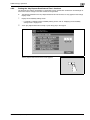
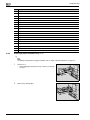
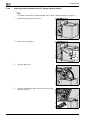
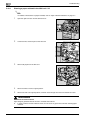
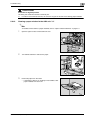
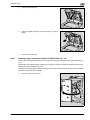
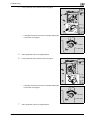
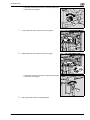
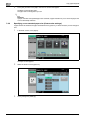
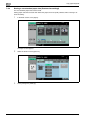
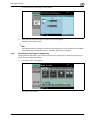
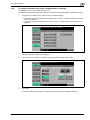
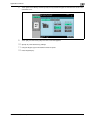
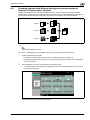
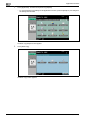
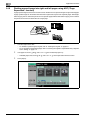
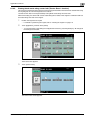
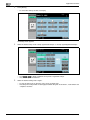
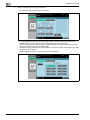
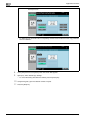
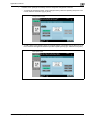
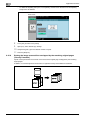
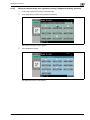
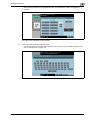
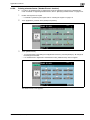
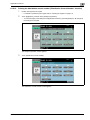
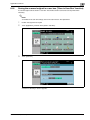
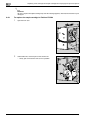
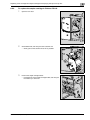
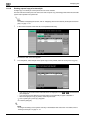
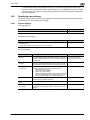
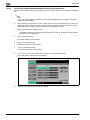
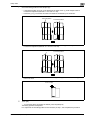
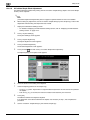
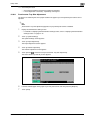
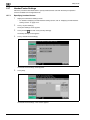
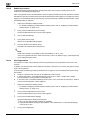
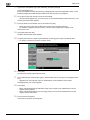
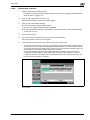
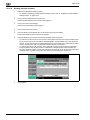
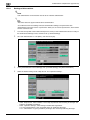
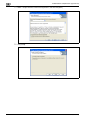
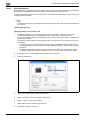
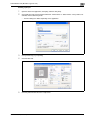
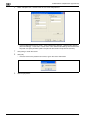
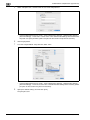
Remove all original pages remaining in the paper tray.
2
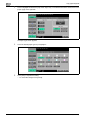
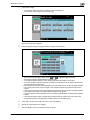
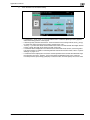
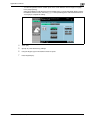
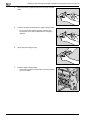
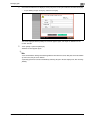
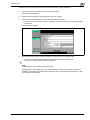
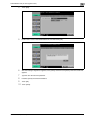
Lift open the ADF.
bizhub 751/601 (Version 2)