1
Before making copies
2
2
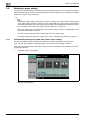
Reminder
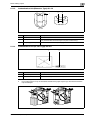
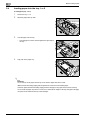
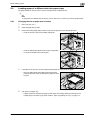
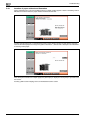
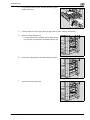
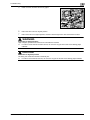
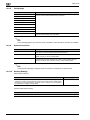
Be sure to insert the trailing-edge guide at the position for the specified size. If there is space between
the trailing-edge guide and the paper, the paper will not be fed correctly.
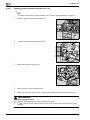
Make sure that the lateral guide is correctly positioned against the edge of the loaded paper. If the
lateral guide is not positioned correctly, the paper size will not be correctly detected.
Do not close the paper tray with too much force, otherwise the weight of the tray and paper will apply
an impact to the machine that may cause damage.
2.8.2
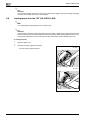
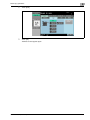
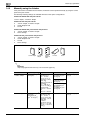
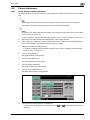
When 5-1/2 × 8-1/2 or A5-size thick paper is loaded into a paper tray
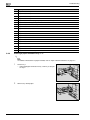
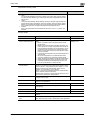
If 5-1/2 e 8-1/2 or A5-size thick paper is loaded into a paper tray, the bypass tray or the LCT, the transport
lever must be correctly set in order to prevent paper misfeeds.
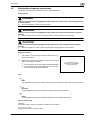
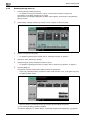
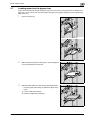
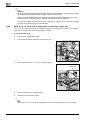
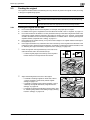
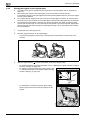
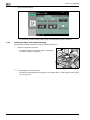
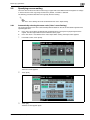
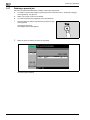
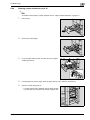
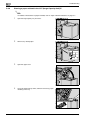
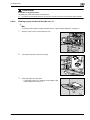
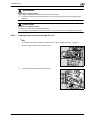
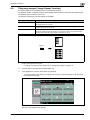
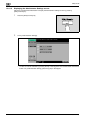
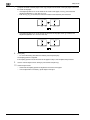
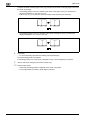
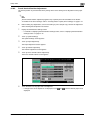
To set the transport lever
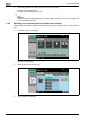
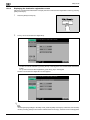
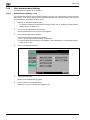
1
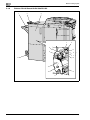
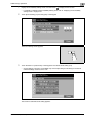
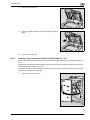
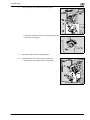
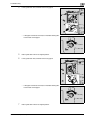
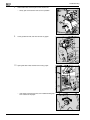
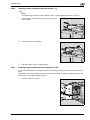
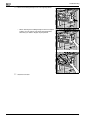
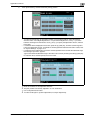
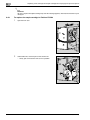
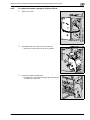
Open the front doors (left and right).
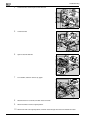
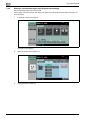
2
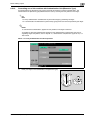
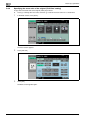
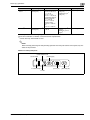
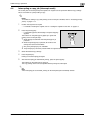
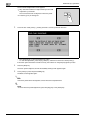
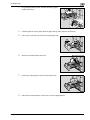
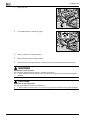
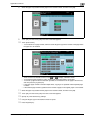
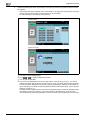
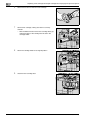
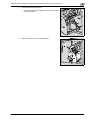
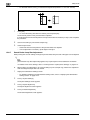
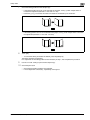
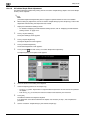
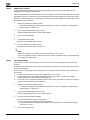
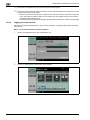
Turn lever M4 to the left, and then pull out the ADU unit.
M4
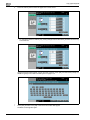
3
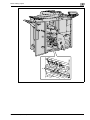
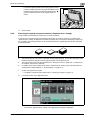
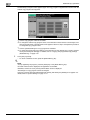
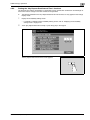
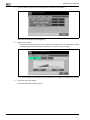
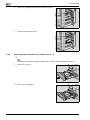
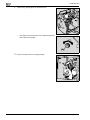
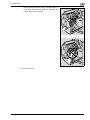
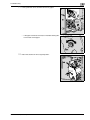
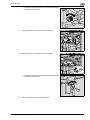
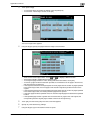
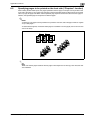
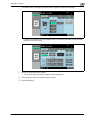
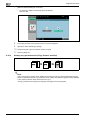
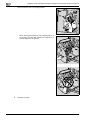
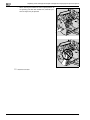
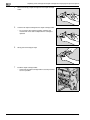
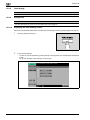
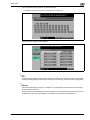
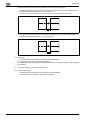
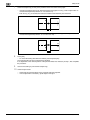
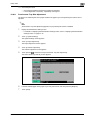
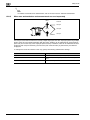
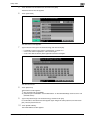
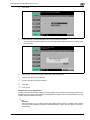
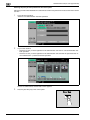
Set the transport lever to "5-1/2 e 8-1/2, A5 Thick paper".
Transport lever
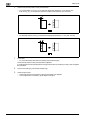
4
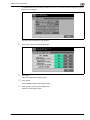
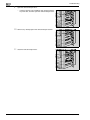
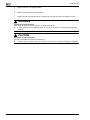
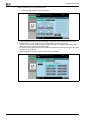
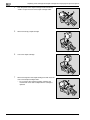
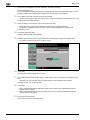
Return the ADU unit to its original position.
5
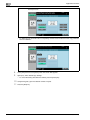
Close the front doors (left and right).
2
Note
After using 5-1/2 e 8-1/2 or A5-size thick paper, be sure to reset the transport lever to "NORMAL".
2-60
bizhub 751/601 (Version 2)
























































































































































































































































![User's Guide [Print Operations]](http://vs1.manualzilla.com/store/data/006865851_1-707f03be75ff1c81e6e96aa922adf3d2-150x150.png)