1
298
User Guide — Master Data
Creating Inventory Reports
Use the reports on Inventory Detail (3.1) and Inventory Reports Menus
(3.6) to check inventory statuses and values (current and GL).
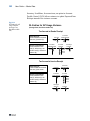
Detail Allocation Inventory Report
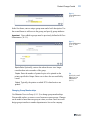
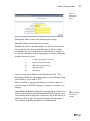
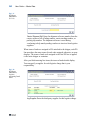
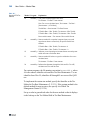
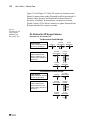
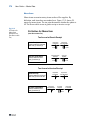
Use Detail Allocation Inventory Report (3.1.5 or 2.1.9.6) to review how
much detail-allocated inventory exists in a site or location for ranges of
items, sites, locations, addresses, or inventory status codes. The summary
report lists detail-allocated inventory totals by item or site. The detail
report also lists specific lot, serial, and reference, information. You can
optionally display sales order information on the detail report.
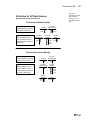
Stock Status Report
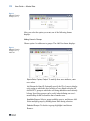
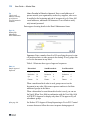
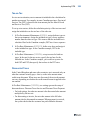
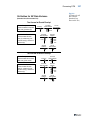
Use Stock Status Report (3.6.1) to review an item’s total quantity on hand
and quantity on order by site. The report gives information for each
location containing the item. Location information shows each item’s lot/
serial number, reference number, and quantity on hand.
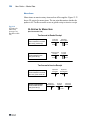
Reorder Report
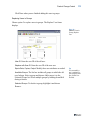
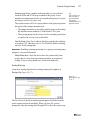
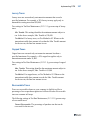
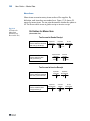
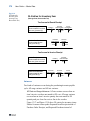
Use Reorder Report (3.6.2) to see if an item is below the reorder point or
safety stock. The report shows all locations containing the item and
indicates those below the reorder point or safety stock. Also shown are
any open orders for the item, the quantity open, and the supplier name.
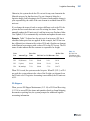
Item ABC Status Report/Update
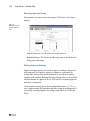
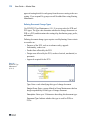
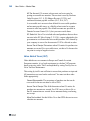
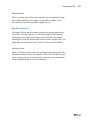
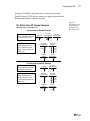
Use Item ABC Status Report/Update (3.6.3) by product line or site to
calculate item ABC class codes. Calculations can be made by a
combination of either sales or issues and cost or gross profit. Three fields
can be updated for existing records:
• ABC class codes
• Item average usage
• Cycle count intervals