1
User Guide
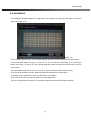
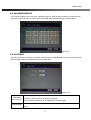
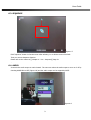
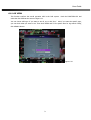
4.2.4 PTZ SCANPOINT
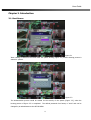
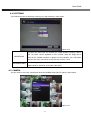
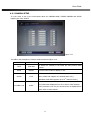
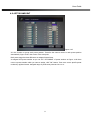
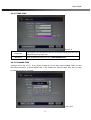
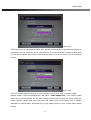
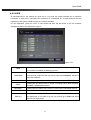
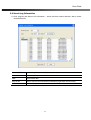
Figure 4-18
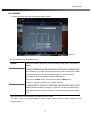
It is the function to group each preset position. Therefore the camera moves to each preset position
automatically. Figure 4-18 is the screen of the scan point.
Each preset range has time difference as assigned interval time.
It assigned PTZ preset number as you set 4.2.3 PTZ PRESET of preset number as Figure 4-18. Move
cursor to preset number which you want to assign, click “OK” button. Then move cursor specific preset
number by up/down button. Assigned range of preset scan points are list 1 to 4.
32