1
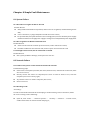
7.7.2 Modify password
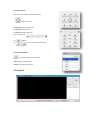
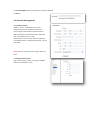
Select the user you want to modify in the user list,
click <Modify Pwd>,input the old password, new
password, password confirmation, then
click<Modify>.
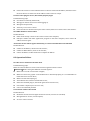
7.7.3 Delete User
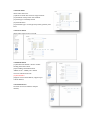
Select targeted user in user list and click【Delete】
to delete.
7.8 Alarm Management
7.8.1 Alarm Input
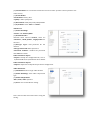
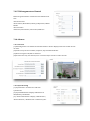
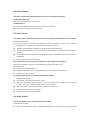
IP Camera alarm input only has port1, alarm mode
include closed circuit alarm and open circuit alarm.
<ON>is closed circuit alarm.
<OFF>is open circuit alarm.
<Link Out>/<Link PTZ> activate alarm device or
PTZ.
7.8.2 Alarm Output
Alarm output only has port 1.
<ON>is closed circuit alarm.
<OFF>is open circuit alarm.
7.8.3 Motion Alarm
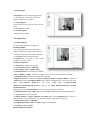
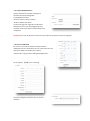
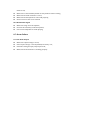
(1)<Set Motion Detection Area> Check to draw area on screen.
(2)<Clean Area> Clean drawn area.
(3)<ICR-Sensitivity> set detection sensitivity, range from 0100, 100 means the highest sensitivity.
(4)<Schedule> setup alarm arm schedule.
(5)<Link Out> set alarm activation.