1
Managing Documents
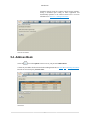
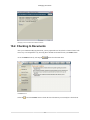
The Checked Out Document List
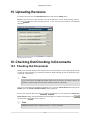
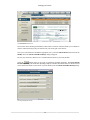
Just as before when checking out documents, add a check to each row of the documents you would like to
check in. When checking in only one document in your results grid, select that row.
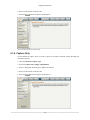
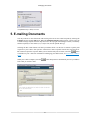
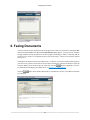
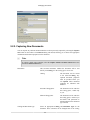
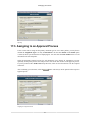
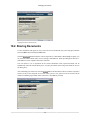
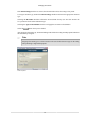
Once you've selected and/or checked the appropriate row(s), select the Check Out/In menu item from the
Modify menu. The Check Out/In Document(s) dialog will appear.
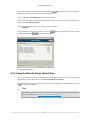
Review your selection(s), then browse to each document location on your local machine.
Select the
button when you are ready to upload the modified documents. The Check Out/In
Document(s) dialog will reload after uploading completes, and those documents that were checked in will
now be allowed for check-out once more. If you are finished, close the Check Out/In Document(s) dialog.
Checking In Multiple Documents
58