1
Tools menu
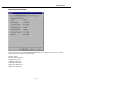
Labels
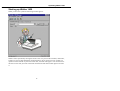
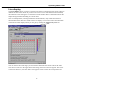
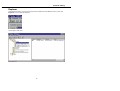
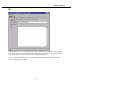
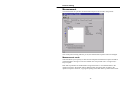
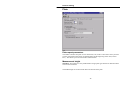
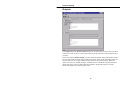
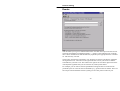
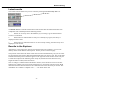
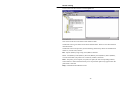
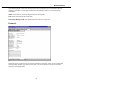
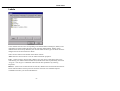
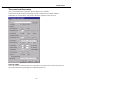
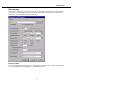
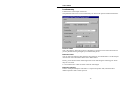
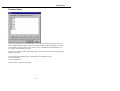
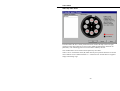
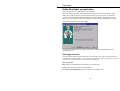
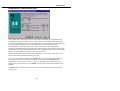
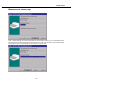
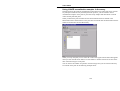
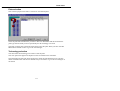
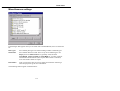
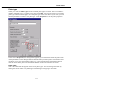
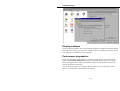
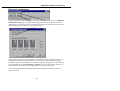
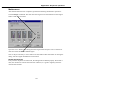
In this window there are tabs corresponding to the measurement technologies (labels) in the
instrument. Each tab includes the names of the currently defined labels. Names of user
defined labels can be freely defined by the user but names of factory pre-set labels cannot be
changed. See the sections below for details.
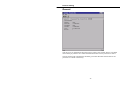
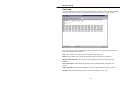
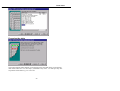
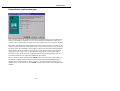
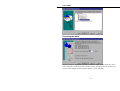
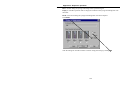
There are four buttons at the bottom of the labels window:
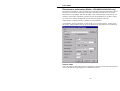
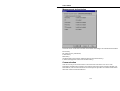
Add - add a new item to the list. Give the name and edit the properties.
Copy - (select an item to activate this). Make a copy of an item. It will appear with a new
icon showing it is different from a default item, and the name will be preceded by the words
“Copy of”. You can give it a different name and edit other parameters by selecting
Properties.
Remove - (select a user created item to activate this). Remove the selected item from the list.
Preset items and labels used in protocols cannot be removed. This command requires
confirmation because you cannot undo Remove.
67