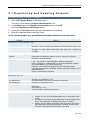
1
4 DNS Manager. Creating and Managing Zones
Deleting Zones
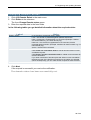
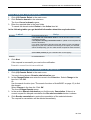
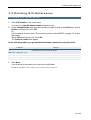
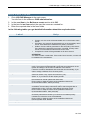
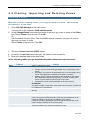
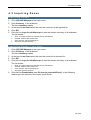
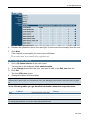
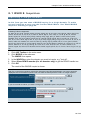
1. Click (02) DNS Manager in the main menu.
You are in the submenu DNS administration now.
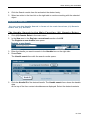
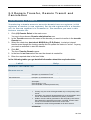
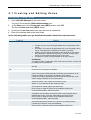
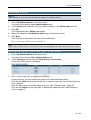
2. In the Change/Delete area enter the name of the zone you want to edit in the Direct
box. Select Delete in the item list. Click OK.
Or:
Use the search function (See "The search functions of AutoDNS2" on page 12) to find
the zone you want to delete.
Select Delete in the item list. Click OK.
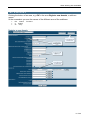
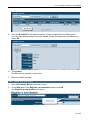
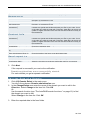
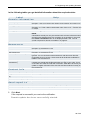
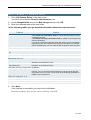
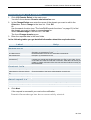
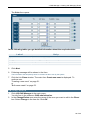
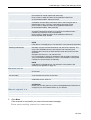
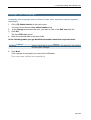
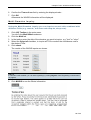
The form Delete zone opens.
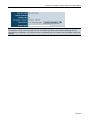
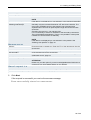
3. Click Next.
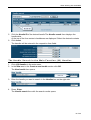
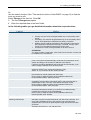
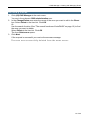
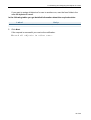
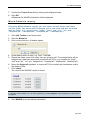
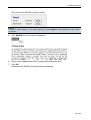
If the request is successful you receive the success message:
The zone was successfully deleted from the name server.
61 of 95