1
11
Using the 861
Reference Digital
Surround Controller
Selecting a source
The digital surround controller provides the following 12
sources:
CD, Radio, DVD, Aux, Disc, Tape, TV, Cable, Sat,
VCR1, VCR2, and Game.
The input and DSP preset associated with each source
depends on how the digital surround controller has
been set up; for more information see Setting up
sources, page 53.
Your installer may have customised the labels
displayed for each source to suit your other
equipment.
To select a source
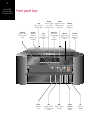
• Press Source (front panel) until the display shows
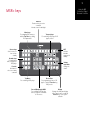
the source you want, or press the appropriate source
key on the remote; eg CD.
The display shows the source, DSP preset, and volume
setting.
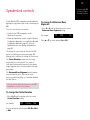
For example, if you select the CD source:
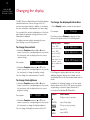
The display shows:
CD
Trifield
The 861 Reference Digital Surround Controller
mutes the sound while you change source.
65