1
264
Chapter 13
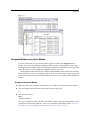
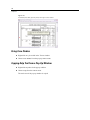
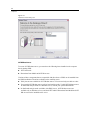
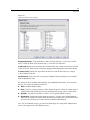
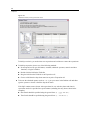
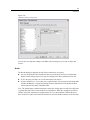
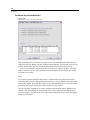
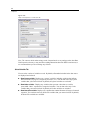
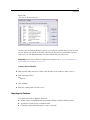
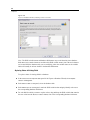
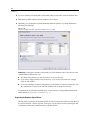
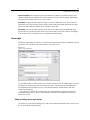
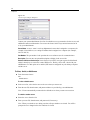
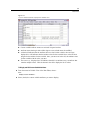
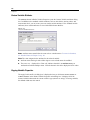
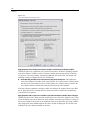
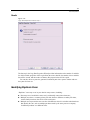
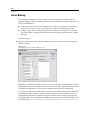
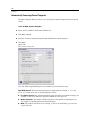
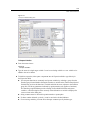
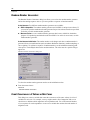
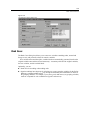
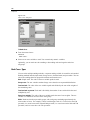
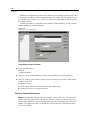
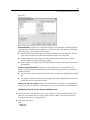
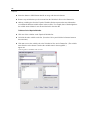
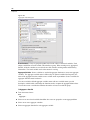
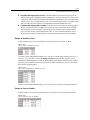
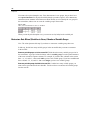
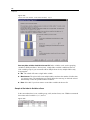
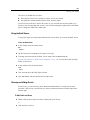
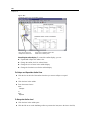
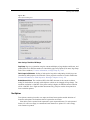
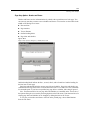
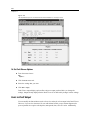
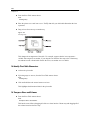
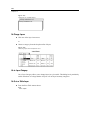
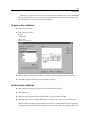
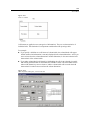
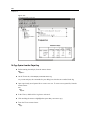
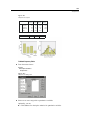
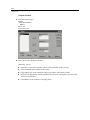
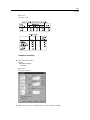
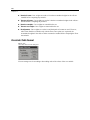
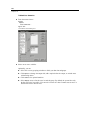
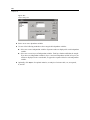
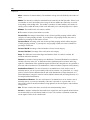
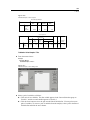
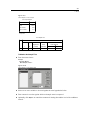
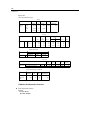
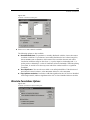
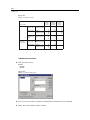
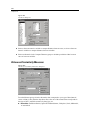
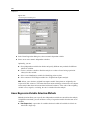
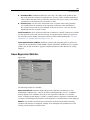
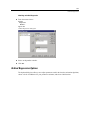
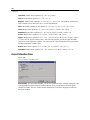
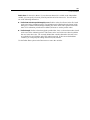
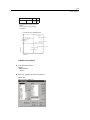
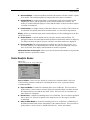
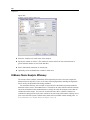
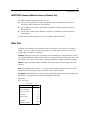
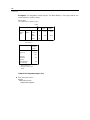
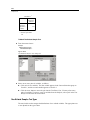
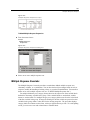
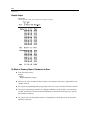
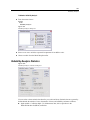
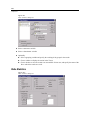
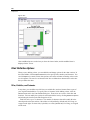
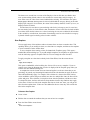
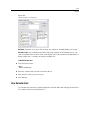
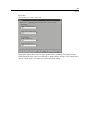
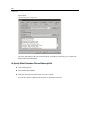
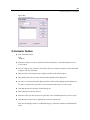
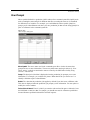
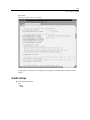
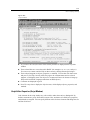
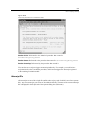
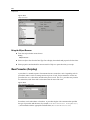
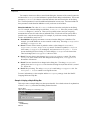
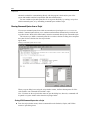
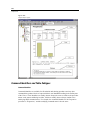
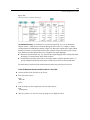
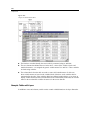
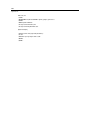
Figure 13-2
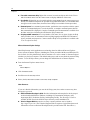
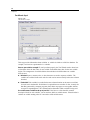
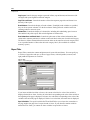
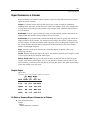
Command syntax in the log
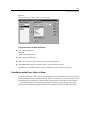
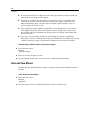
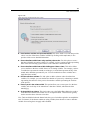
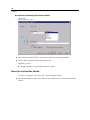
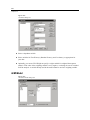
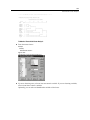
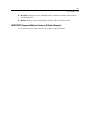
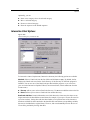
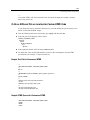
To Copy Syntax from the Output Log
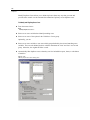
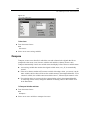
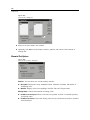
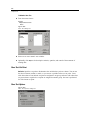
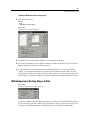
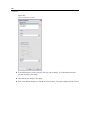
E Before running the analysis, from the menus choose:
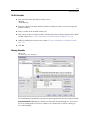
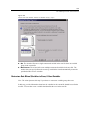
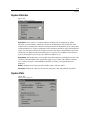
Edit
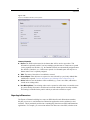
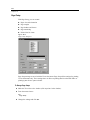
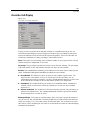
Options...
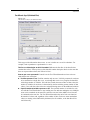
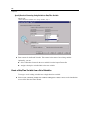
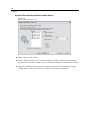
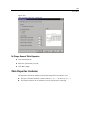
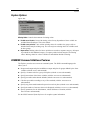
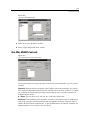
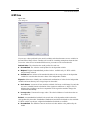
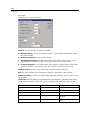
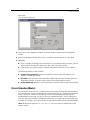
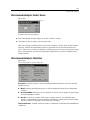
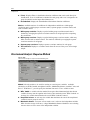
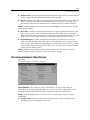
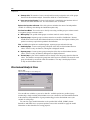
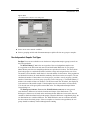
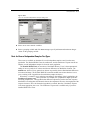
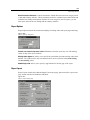
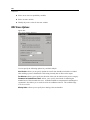
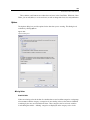
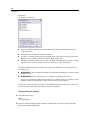
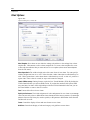
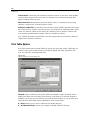
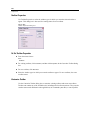
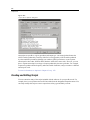
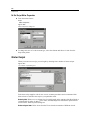
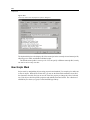
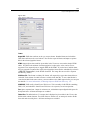
E On the Viewer tab, select Display commands in the log.
As you run analyses, the commands for your dialog box selections are recorded in the log.
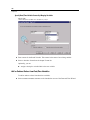
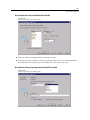
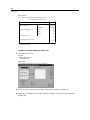
E Open a previously saved syntax file or create a new one. To create a new syntax file, from the
menus choose:
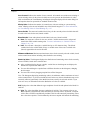
File
New
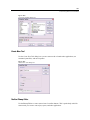
Syntax
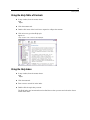
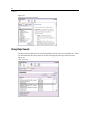
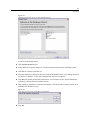
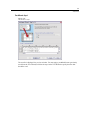
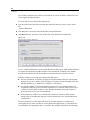
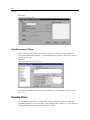
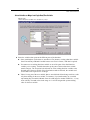
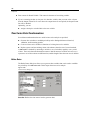
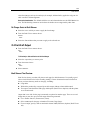
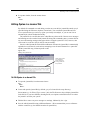
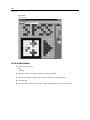
E In the Viewer, double-click a log item to activate it.
E Click and drag the mouse to highlight the syntax that you want to copy.
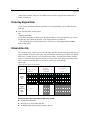
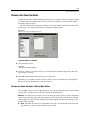
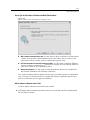
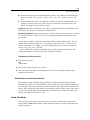
E From the Viewer menus choose:
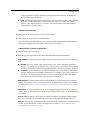
Edit
Copy