1
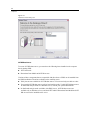
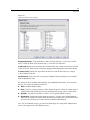
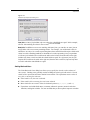
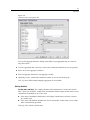
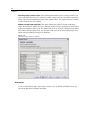
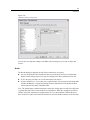
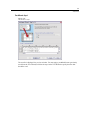
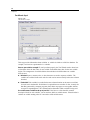
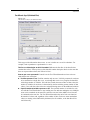
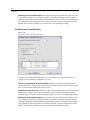
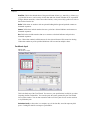
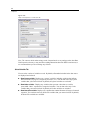
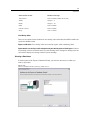
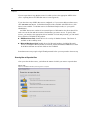
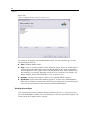
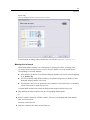
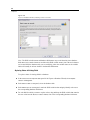
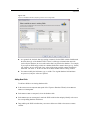
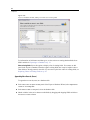
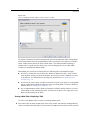
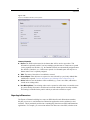
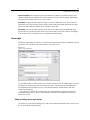
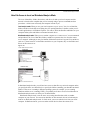
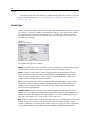
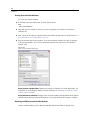
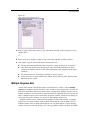
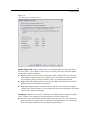
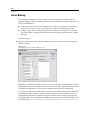
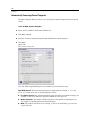
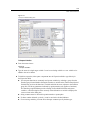
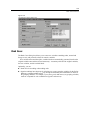
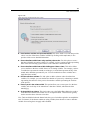
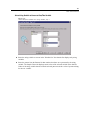
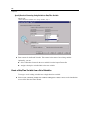
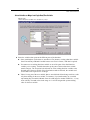
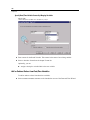
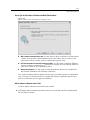
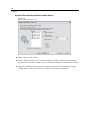
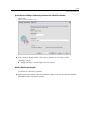
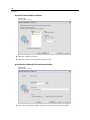
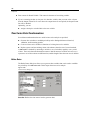
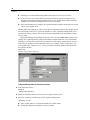
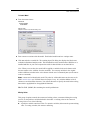
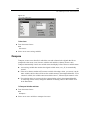
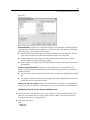
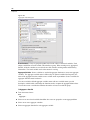
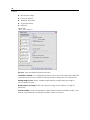
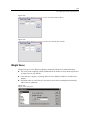
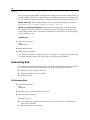
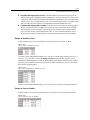
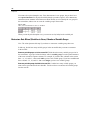
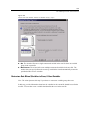
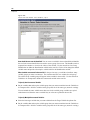
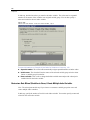
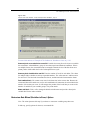
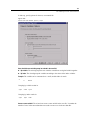
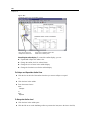
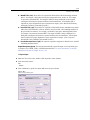
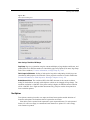
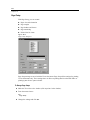
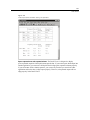
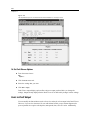
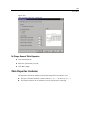
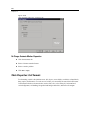
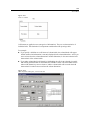
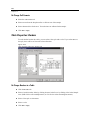
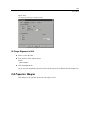
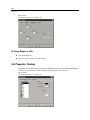
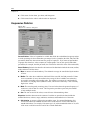
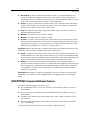
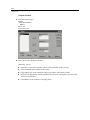
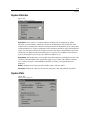
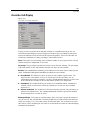
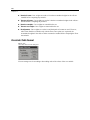
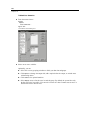
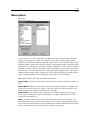
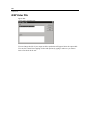
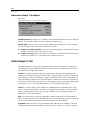
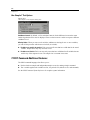
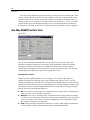
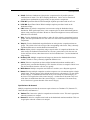
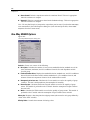
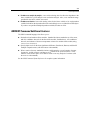
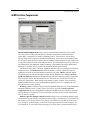
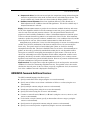
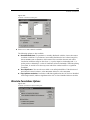
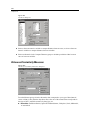
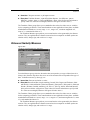
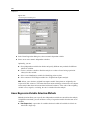
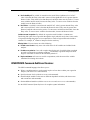
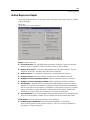
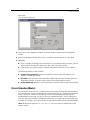
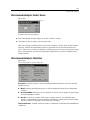
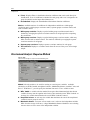
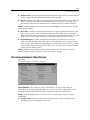
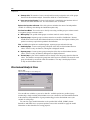
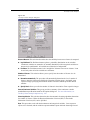
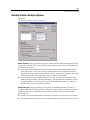
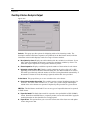
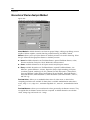
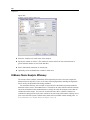
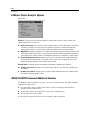
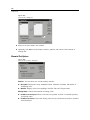
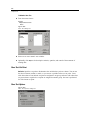
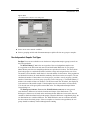
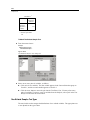
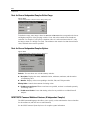
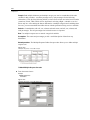
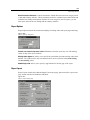
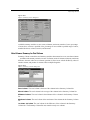
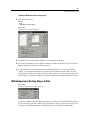
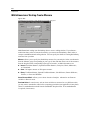
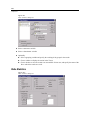
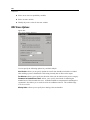
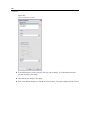
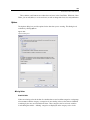
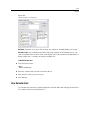
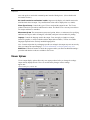
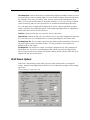
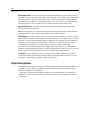
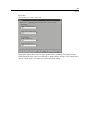
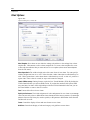
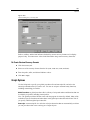
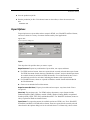
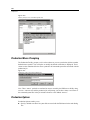
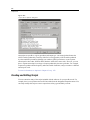
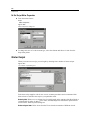
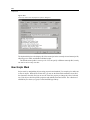
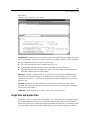
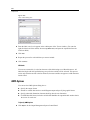
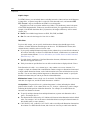
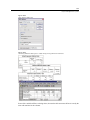
312 Chapter 21 One-Sample T Test Options Figure 21-11 One-Sample T Test Options dialog box Confidence Interval. By default, a 95% confidence interval for the difference between the mean and the hypothesized test value is displayed. Enter a value between 1 and 99 to request a different confidence level. Missing Values. When you test several variables, and data are missing for one or more variables, you can tell the procedure which cases to include (or exclude). Exclude cases analysis by analysis. Each t test uses all cases that have valid data for the tested variable. Sample sizes may vary from test to test. Exclude cases listwise. Each t test uses only cases that have valid data for all variables that are used in any of the requested t tests. The sample size is constant across tests. T-TEST Command Additional Features The SPSS command language also allows you to: Produce both one-sample and independent-samples t tests by running a single command. Test a variable against each variable on a list, in a paired t test (with the PAIRS subcommand). See the SPSS Command Syntax Reference for complete syntax information.