1
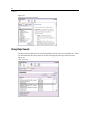
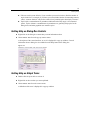
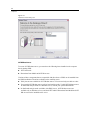
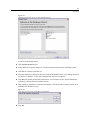
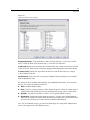
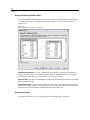
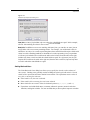
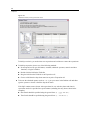
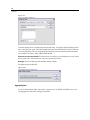
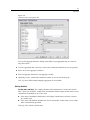
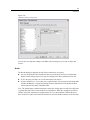
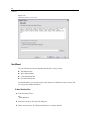
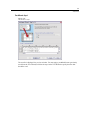
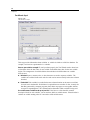
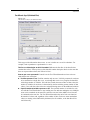
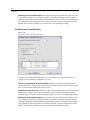
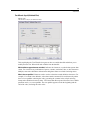
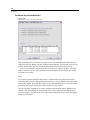
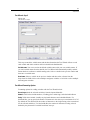
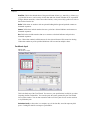
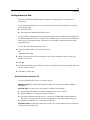
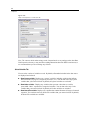
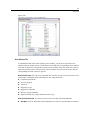
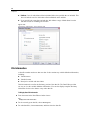
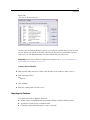
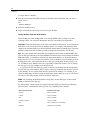
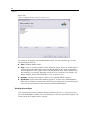
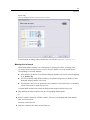
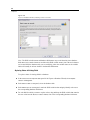
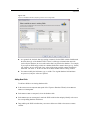
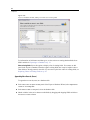
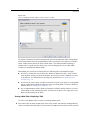
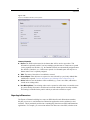
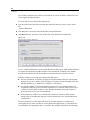
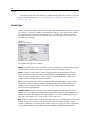
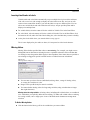
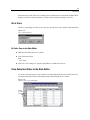
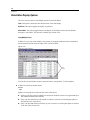
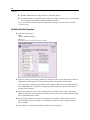
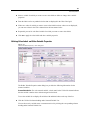
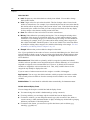
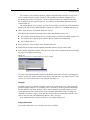
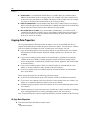
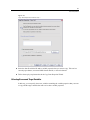
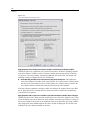
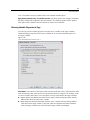
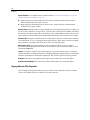
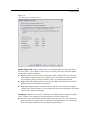
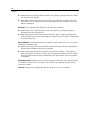
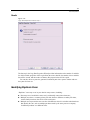
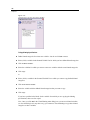
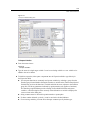
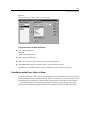
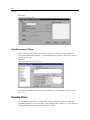
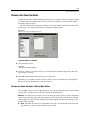
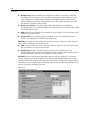
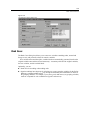
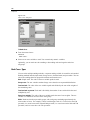
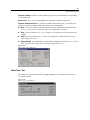
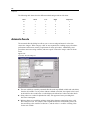
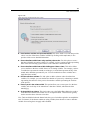
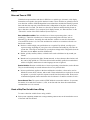
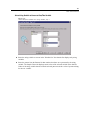
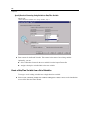
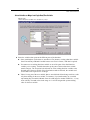
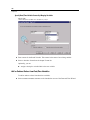
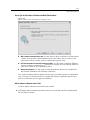
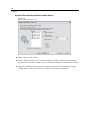
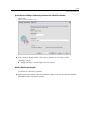
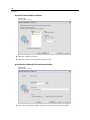
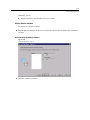
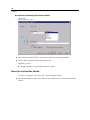
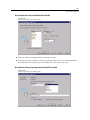
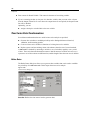
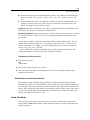
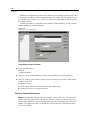
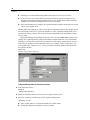
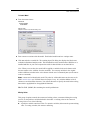
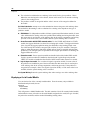
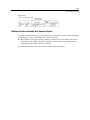
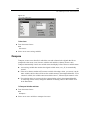
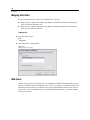
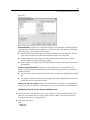
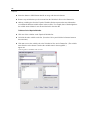
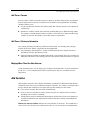
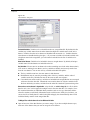
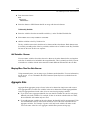
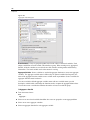
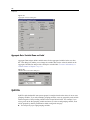
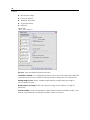
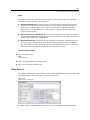
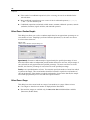
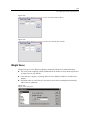
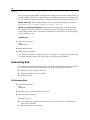
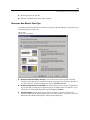
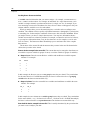
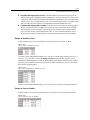
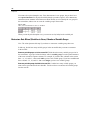
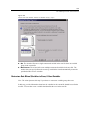
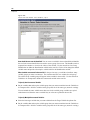
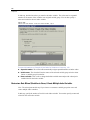
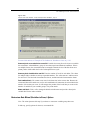
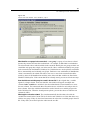
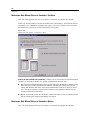
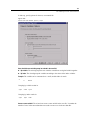
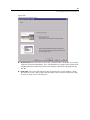
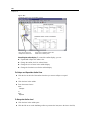
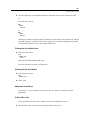
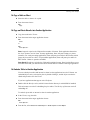
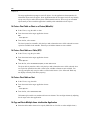
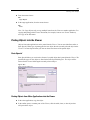
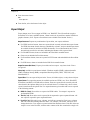
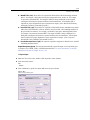
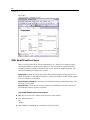
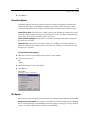
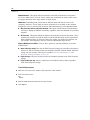
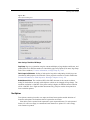
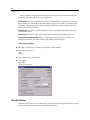
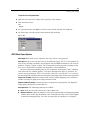
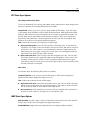
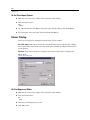
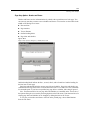
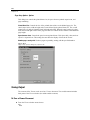
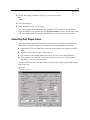
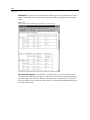
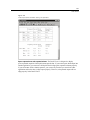
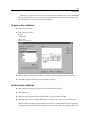
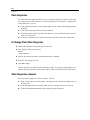
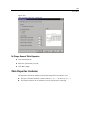
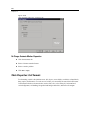
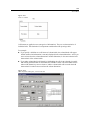
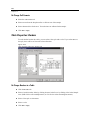
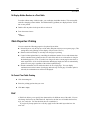
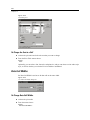
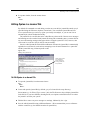
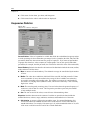
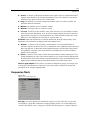
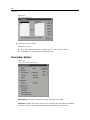
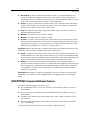
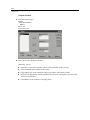
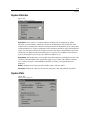
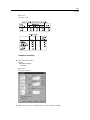
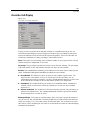
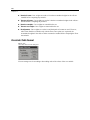
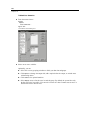
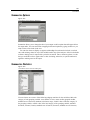
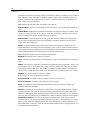
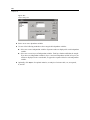
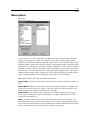
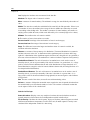
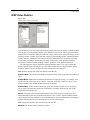
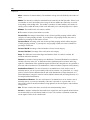
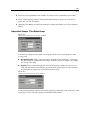
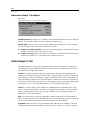
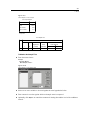
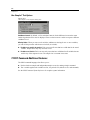
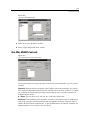
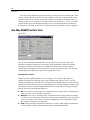
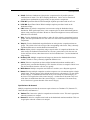
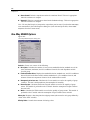
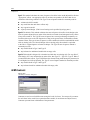
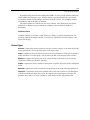
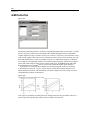
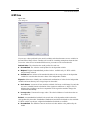
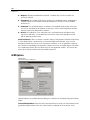
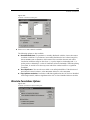
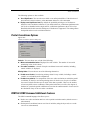
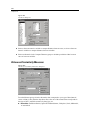
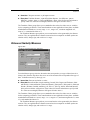
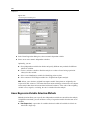
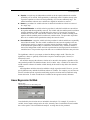
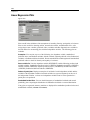
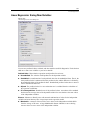
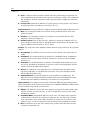
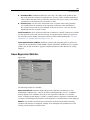
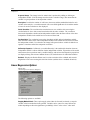
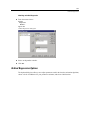
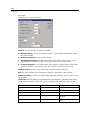
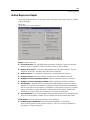
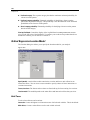
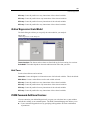
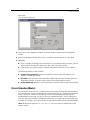
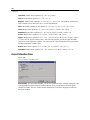
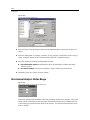
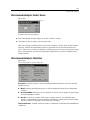
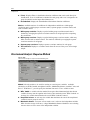
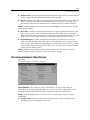
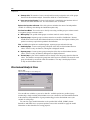
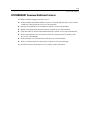
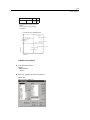
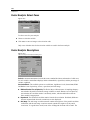
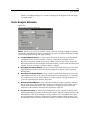
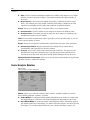
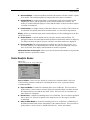
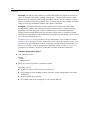
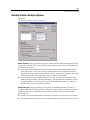
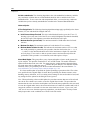
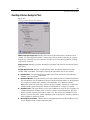
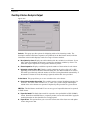
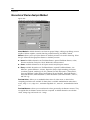
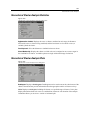
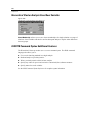
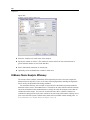
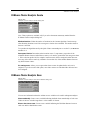
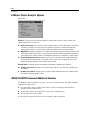
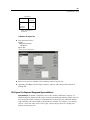
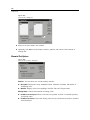
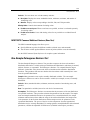
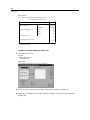
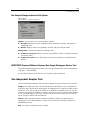
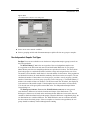
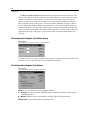
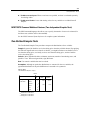
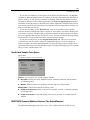
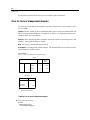
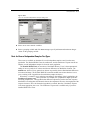
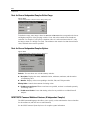
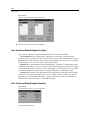
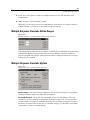
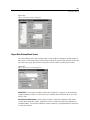
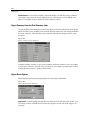
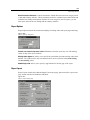
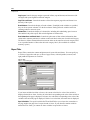
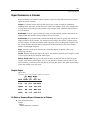
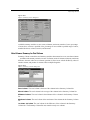
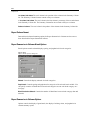
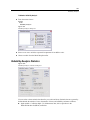
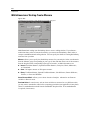
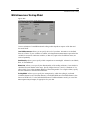
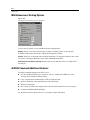
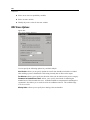
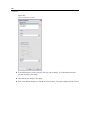
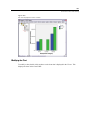
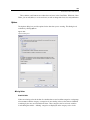
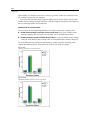
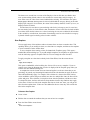
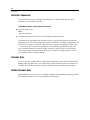
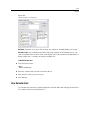
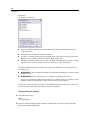
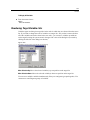
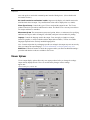
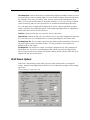
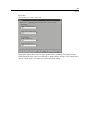
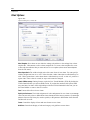
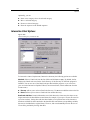
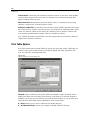
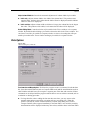
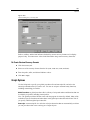
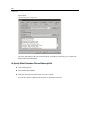
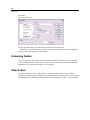
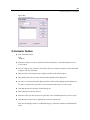
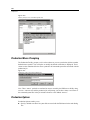
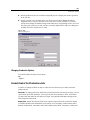
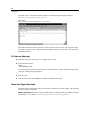
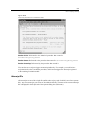
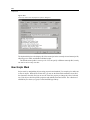
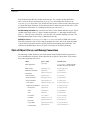
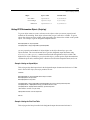
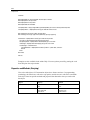
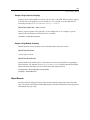
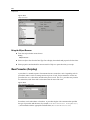
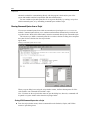
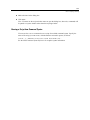
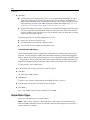
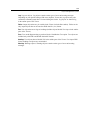
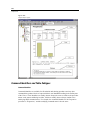
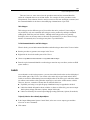
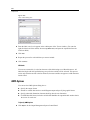
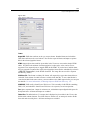
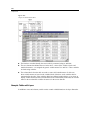
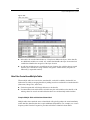
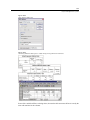
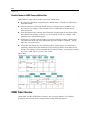
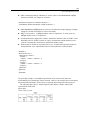
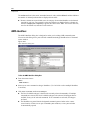
424 Chapter 36 Tests for Several Independent Samples Define Range Figure 36-22 Several Independent Samples Define Range dialog box To define the range, enter integer values for Minimum and Maximum that correspond to the lowest and highest categories of the grouping variable. Cases with values outside of the bounds are excluded. For example, if you specify a minimum value of 1 and a maximum value of 3, only the integer values of 1 through 3 are used. The minimum value must be less than the maximum value, and both values must be specified. Tests for Several Independent Samples Options Figure 36-23 Several Independent Samples Options dialog box Statistics. You can choose one or both summary statistics. Descriptive. Displays the mean, standard deviation, minimum, maximum, and the number of nonmissing cases. Quartiles. Displays values corresponding to the 25th, 50th, and 75th percentiles. Missing Values. Controls the treatment of missing values. Exclude cases test-by-test. When several tests are specified, each test is evaluated separately for missing values. Exclude cases listwise. Cases with missing values for any variable are excluded from all analyses. NPAR TESTS Command Additional Features (K Independent Samples) The SPSS command language also allows you to specify a value other than the observed median for the median test (with the MEDIAN subcommand). See the SPSS Command Syntax Reference for complete syntax information.