1
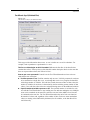
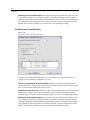
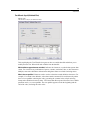
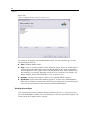
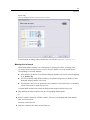
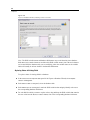
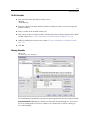
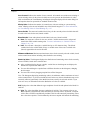
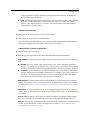
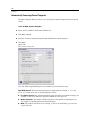
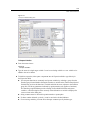
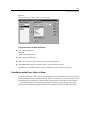
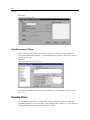
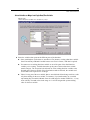
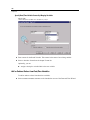
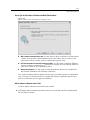
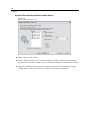
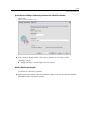
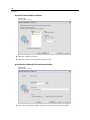
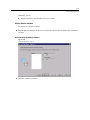
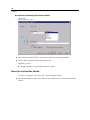
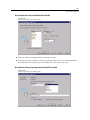
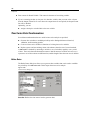
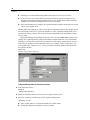
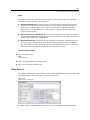
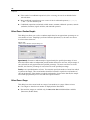
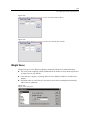
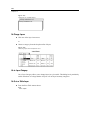
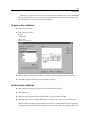
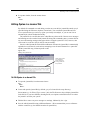
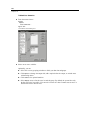
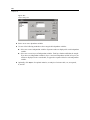
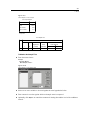
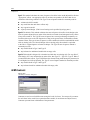
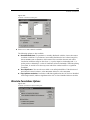
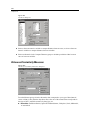
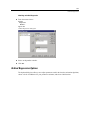
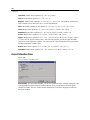
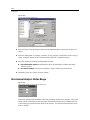
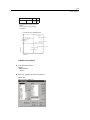
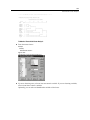
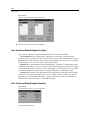
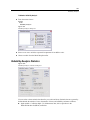
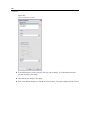
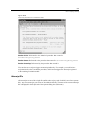
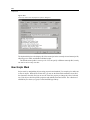
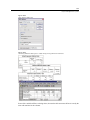
242 Chapter 12 To Bookmark Pivot Table Views E Activate the pivot table. E Pivot the table to the view that you want to bookmark. E From the menus choose: Pivot Bookmarks… E Enter a name for the bookmark. (Bookmark names are not case-sensitive.) E Click Add. Each pivot table has its own set of bookmarks. Within a pivot table, each bookmark name must be unique, but you can use duplicate bookmark names in different pivot tables. To Display a Bookmarked Pivot Table View E Activate the pivot table. E From the menus choose: Pivot Bookmarks… E Click the name of the bookmark in the list. E Click Go To. To Rename a Pivot Table Bookmark E Activate the pivot table. E From the menus choose: Pivot Bookmarks… E Click the name of the bookmark in the list. E Click Rename. E Enter the new bookmark name. E Click OK. Showing and Hiding Cells Many types of cells can be hidden, including: Dimension labels Categories, including the label cell and data cells in a row or column