1
Chapter 3: MODPATH User’s Guide
Chapter Topics
Main Index
<< Back
Next Page
Previous Page
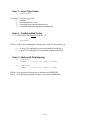
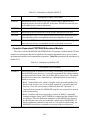
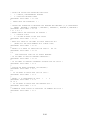
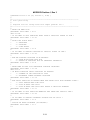
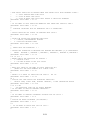
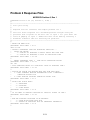
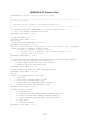
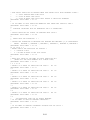
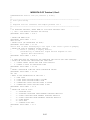
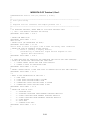
The user can elect to enter responses interactively at the keyboard or to supply the name of a
"Response File" containing responses generated from a previous interactive run. If no file name is
entered, data is entered interactively in response to prompts, and the results are recorded in a
response file named <mpath.rsp>. Response files are described in detail in Chapter 5 -- Prompt
and Response System.
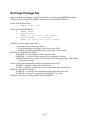
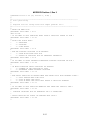
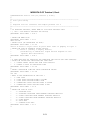
On some computer systems, it is possible to specify a command-line argument to indicate
whether responses are read from a file or from the keyboard. If a command-line argument is
provided, MODPATH does not prompt for the name of a response file. To run MODPATH using
interactive keyboard input, type the command:
mpath3
i
The argument "i" indicates that input will be specified interactively at the keyboard. To read data
from a response file, type the command:
mpath3 filename
where filename is the name of an existing response file.
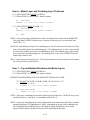
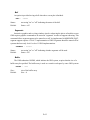
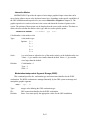
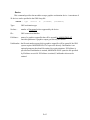
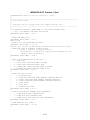
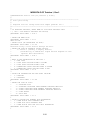
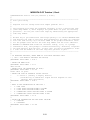
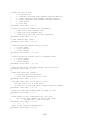
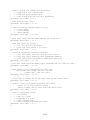
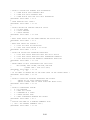
The Interactive (or Response File) input provides MODPATH with information about:
1. Simulation Type -- steady-state or transient,
2. Output Mode options for particle coordinates,
3. Starting locations of particles,
4. Direction of particle tracking computation -- forward or backward,
5. Criteria for stopping particles, and
6. Options for computing and displaying the volumetric balance check.
These items are discussed in detail in the sections that follow.
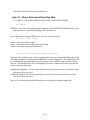
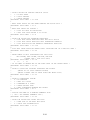
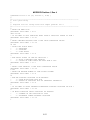
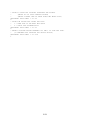
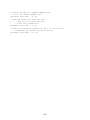
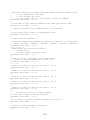
Step 4. Review Output and run MODPATH-PLOT
After the interactive input has been processed, particle paths are computed and several
output files containing information about the run and particle coordinate data are produced. The
particle coordinate output files generated by MODPATH can be utilized in MODPATH-PLOT to
generate graphical output.
3-5
Exit