1
Tables
-
Basic principles
Button Delete
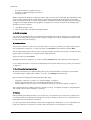
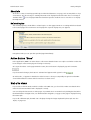
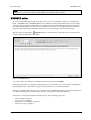
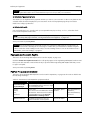
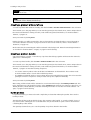
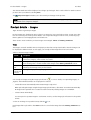
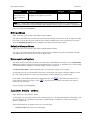
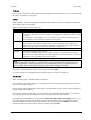
In some tables there is a button marked Delete below the table. Select the relevant entries and click
Delete.
-
The batch processing command Delete
In some tables Delete can be selected from the batch processing commands. Select the relevant entries and start the Delete process.
For more on selecting, see Selecting in tables, below.
For more on batch processing, see Batch Processes in Tables, below.
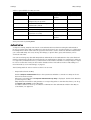
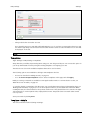
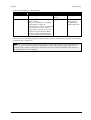
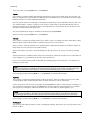
Furthermore, see Deletion confirmation, on page 51.
Selecting in tables
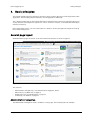
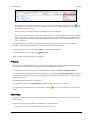
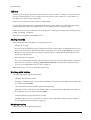
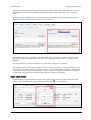
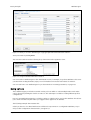
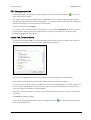
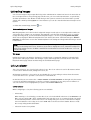
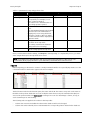
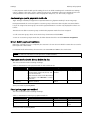
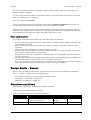
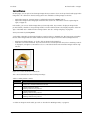
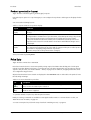
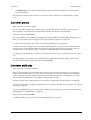
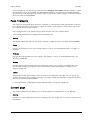
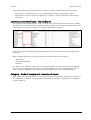
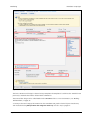
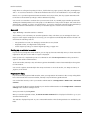
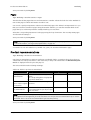
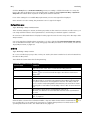
If a table contains records which can be selected, the first column will contain a check box for each record.
Click the check box to select a record. To remove the check mark, click the check box again. To select all
records on the page, click the check box in the column header.
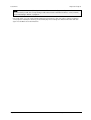
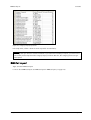
Note: The Select all function works on all the records on the current page. To select any other records,
you first have to open the correct page and execute the command for this page.
Batch Processes in Tables
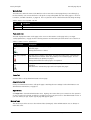
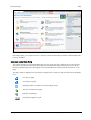
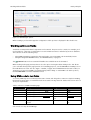
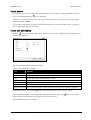
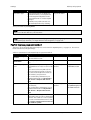
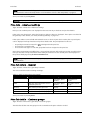
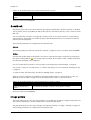
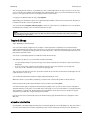
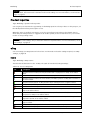
A batch processing command is a command which is executed for all selected records in a table. The
batch processing commands for tables are located in a drop-down menu below the corresponding table.
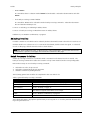
Perform these steps to use a batch processing command:
1. Select the records to be processed.
2. Select the command in the drop-down menu.
3. Start the command by clicking Execute.
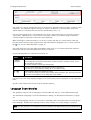
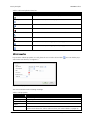
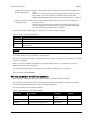
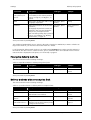
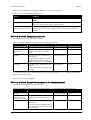
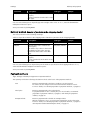
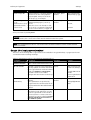
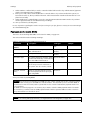
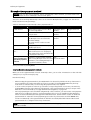
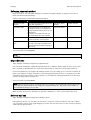
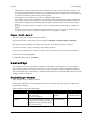
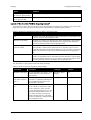
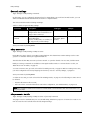
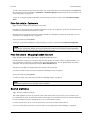
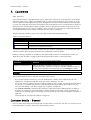
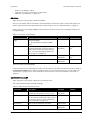
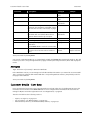
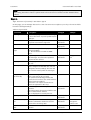
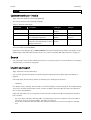
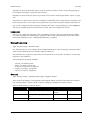
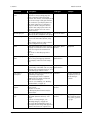
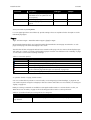
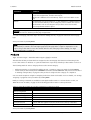
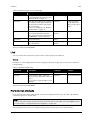
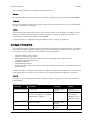
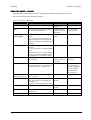
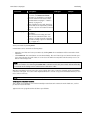
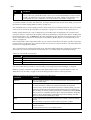
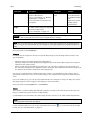
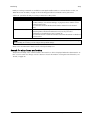
The following general actions will not be explained in the rest of the book:
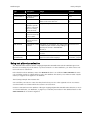
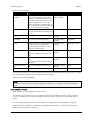
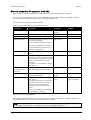
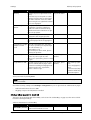
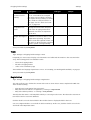
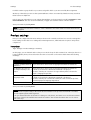
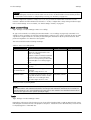
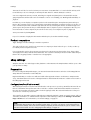
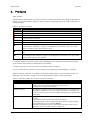
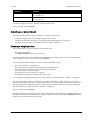
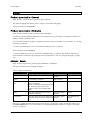
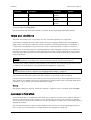
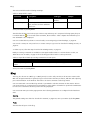
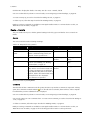
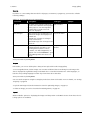
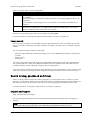
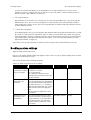
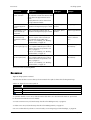
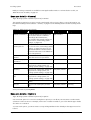
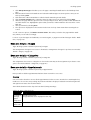
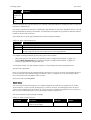
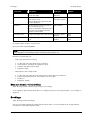
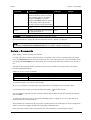
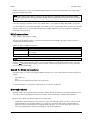
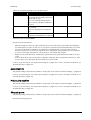
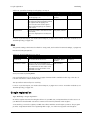
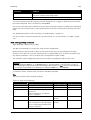
Table 3: general batch processing commands
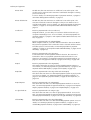
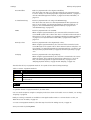
Command
Comment
Add to tray
Selected items are added to the tray; see Tray, on page 21.
Set visible
See also Visibility, on page 31.
Set not Visible
See also Visibility, on page 31.
Duplicate
Generate an exact copy of the original item. The ID will not be copied. A new
value will be assigned as the ID has to be unique.
Delete
See also Deletion confirmation, on page 51.
Delete all (...)
Deletes all records from the table; selection is not necessary
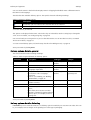
The individual chapters only explain specific batch processing actions or describe particular features relating to the general actions.
User guide for Web site administrators
Page 27