1
6.1. An introduction to the Admin functions
There are a number of over-riding controls which landlords can manage to determine
how their Tracker site is configured and used.
In each module is a ‘Set up’ section for managing dropdown lists and other field options.
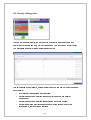
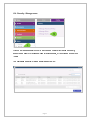
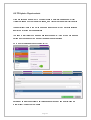
In the ‘Admin’ section are controls for managing:
SECURITY
•
Manage the format of passwords which can be created for user-access controls;
•
Create the password renewal/reset policy for all users;
•
Determine where users can go, what they can see and what they can do in Tracker;
•
Set up individual users linked to the access packages above;
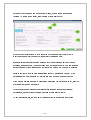
DATABASE
•
Control the automatic generation of ‘Personal references’ for non-residents who are
added manually into Tracker;
•
Respond to ‘Query reports’ generated by the automatic ‘TP Update’ process which
keeps designated fields in your Tracker database synchronised to your main housing
management database;
•
Manually update other people or households fields in your Tracker database, via ad
hoc file uploads as required;
•
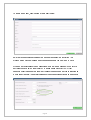
Access automated files of data exported back out of Tracker using the ‘Reverse
upload’ process for you to update your own database(s).
Page 2