1
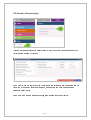
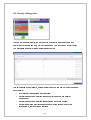
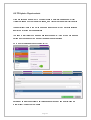
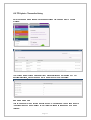
To create a new user, click the blue ‘Create user’ button:
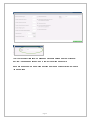
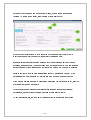
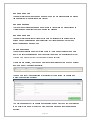
Enter the required personal details of the new user and select the ‘Role’ from the
dropdown list which best defines the access arrangements you want them to have.
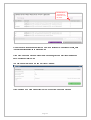
Give them an initial password and passphrase: note that these will need to comply with
any rules you have set up (see ‘Security – Manage password policy’ p.3). If your
password policy forces users to reset their passwords as soon as they log in following an
‘Admin reset’ (as here) then this initial password and passphrase will only be used once:
Page 8