1
6.3. Security – Manage roles
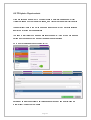
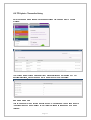
Click on the ‘Manage roles’ option to access the controls for creating ‘Roles’ which
determine where users can go, what they can see and what they can do within Tracker.
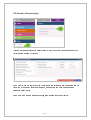
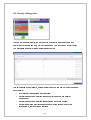
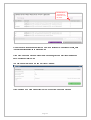
You will initially see a list of all the ‘Roles’ already set up:
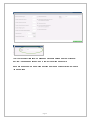
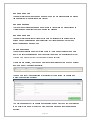
This list includes some standard, default ‘Roles’ which you can use but which you cannot
edit or delete:
•
‘Administrator’ gives access to all functions;
•
‘Level 3’ gives access to all functions except for password and security
management;
•
‘Level 2’ gives access to all functions excluding any admin options;
•
‘Level 1’ gives ‘view only’ access and does not allow access to any of the
personal data, just reports and analyses.
Page 5