1
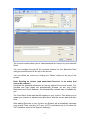
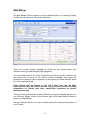
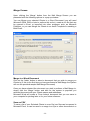
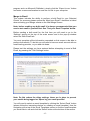
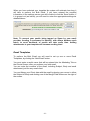
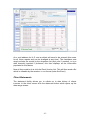
The Invoice screen allows you to view/create/edit an Invoice for your selected
Client.
You can navigate through all the Invoices entered for the Selected Client
using the arrow buttons at the top of the screen.
You can delete an Invoice by clicking the ‘Delete’ button at the top of the
screen.
Note: Deleting an Invoice (and associated Services, is an action that
cannot be undone!)
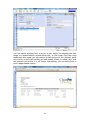
Complete the standard information on the top right of the Invoice screen. The
Created and Sent dates are automatically entered, as are your Client
Reference and Client Address. All automatically entered data is editable by
you.
The ‘Sent Date’ is the date that will appear on your Invoice. This allows you to
create you Invoices in advance and print them with the current date at a later
time.
After adding Services to your Invoice, the System will automatically calculate
your Invoice Total, and any VAT due. (VAT is calculated only if you have the
VAT checkbox ticked in the System ‘Settings’)
-9-