1
Using CleanersMate
Initial Settings
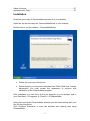
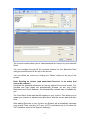
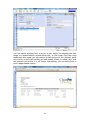
When you first use the CleanersMate Software you should click on the
‘Settings’ button, and enter your business information into the spaces
provided on the ‘Your Details’ tab. (The Information you enter here is required
for printing Invoices)
Click on the ‘Save’ button to save the information you have entered.
You are now ready to start using the CleanersMate software.
Clients
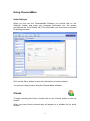
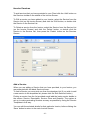
To begin working with Client records click on the ‘Clients’ button on the top
toolbar.
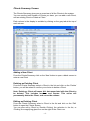
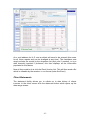
When you have clients entered they will appear in a sortable list for quick
access.
-3-