1
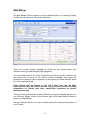
Merge Screen
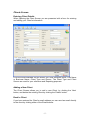
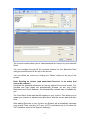
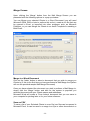
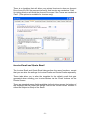
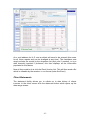
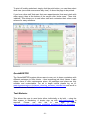
Upon clicking the ‘Merge’ button from the Mail Merge Screen you are
presented with the following options in a pop up window.
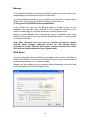
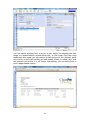
You can Merge your selected Clients to a Word Document (you will need
Microsoft Office 2000 or later to perform this action), create a csv file that can
be opened in Excel or imported into other programs such as Microsoft
Publisher, or you can Merge the Clients to an email Template for sending a
Bulk Email.
Merge to a Word Document
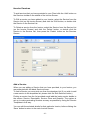
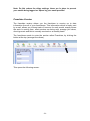
Click on the ‘folder’ button to select a document that you wish to merge you
Clients to (if this is the first time you have performed a Mail Merge the System
will use the provided sample Mail Merge Document)
Once you have selected the document you wish to perform a Mail Merge to,
simply click the ‘Merge’ button and wait for the system to populate you
selected document with your Clients names and addresses.
Microsoft Word will create a ‘Form Letters’ document that you can save to
your computer for printing later or for your future reference.
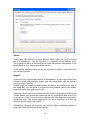
Save as CSV
To save a list of your Selected Clients to a csv file (csv files can be opened in
Microsoft Excel, or can be used in a merge to a flyer or other documents in a
- 14 -