1
Level Wheel
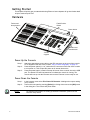
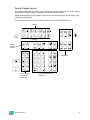
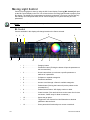
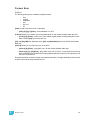
You may set intensity for selected channels using the level wheel. Rolling the level wheel upwards
increases intensity. Rolling it downwards (towards you) decreases it. The level wheel will increase
and decrease levels across selected channels one point at a time.
Select Last
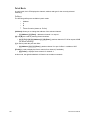
The {Select Last} softkey allows you to reselect the previous channel selection. This includes
multiple channel selections, groups, and so on.
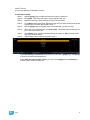
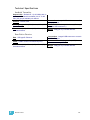
Other select softkeys on Element do the following:
• {Select Active} - selects all active channels.
• {Select Manual} - selects all channels with manual data.
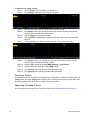
The following examples illustrate some of the various uses for these keys:
• [1] [Thru] [1][0][0] {Select Active} - selects the active channels in the range of 1 through 100.
• [1] [Thru] [5][0] {Select Manual} - selects the manual channels in the range of 1 through 50.
• [1] [Thru] [5][0] {Color} {Select Manual} - selects the channels with manual color data in the
range of 1 through 50.
80
Element User Manual