1
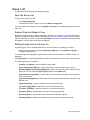
Unpatch a Channel
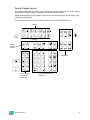
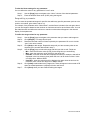
To unpatch a channel you can press:
•
[n] [At] [0] [Enter]
Unpatched channels can still be manipulated and can have data stored for them, but they do not
output any information (as they are unpatched).
Deleting Channels
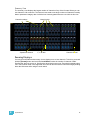
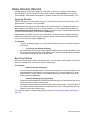
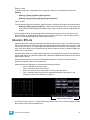
It is possible to delete channels in patch. Deleting channels is different from unpatching in that
deleted channels cannot be manipulated or have parameter data stored for them. When deleted,
the channel numbers will still be visible in the live/blind display, but the channel outline, containing
the parameters and level information, will be removed from the display.
For Example:
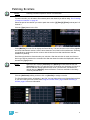
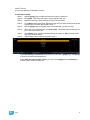
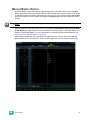
To delete channels from patch by channel in the patch display, press:
•
CAUTION:
[6] [Thru] [1] [0] [Delete] [Enter] [Enter]
If a channel with programmed data is deleted, the recorded data will be lost.
Clearing the Patch
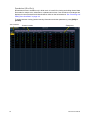
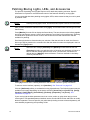
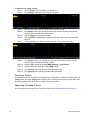
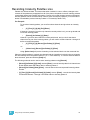
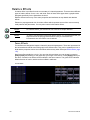
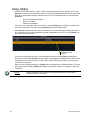
You can clear the patch entirely by accessing the clear functions from the browser. Select {Clear}
from the main browser menu. The clear functions window will open in the CIA.
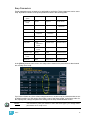
To clear the patch, select {Clear Patch}. To reset the patch to 1-to-1, select {Reset Patch}. A
confirmation is required before the patch will be cleared or reset.
To exit the clear functions screen without clearing, press the [Browser] key at any time or select a
clear button and then select {Cancel} from the confirmation screen.
5
Patch
65