1
Arena Group
11.2 Exporting a single document
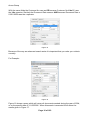
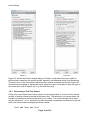
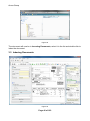
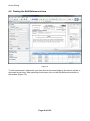
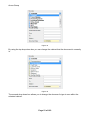
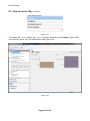
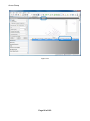
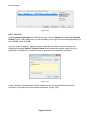
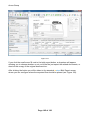
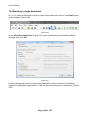
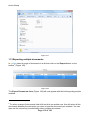
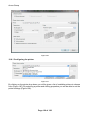
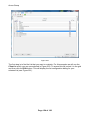
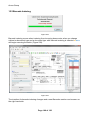
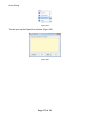
In mstore select a document in a list or open a document then click on the Export button
on the toolbar (Figure 165).
Figure 165
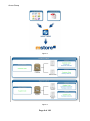
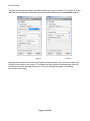
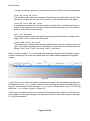
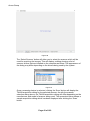
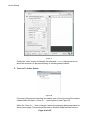
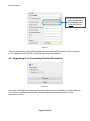
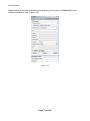
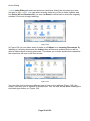
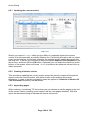
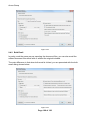
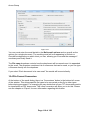
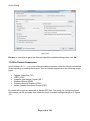
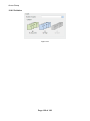
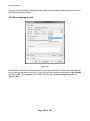
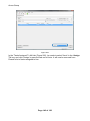
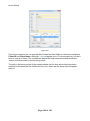
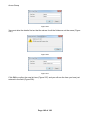
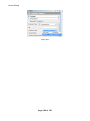
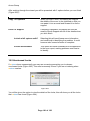
In the Export Document form (Figure 166) Browse to a location to place the file and check
the enabled settings, then click OK.
Figure 166
The file will now be saved to that location.
Page 112 of 183