1
New Registration
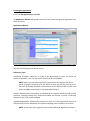
Register Your Company
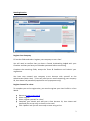
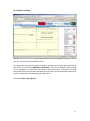
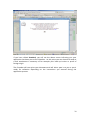
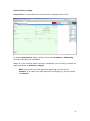
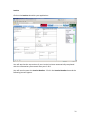
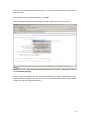
Fill out the fields and select ‘register your company to use e-Cert’.
You will need to confirm that you have a Formal Undertaking lodged with your
Chamber and that you have your Chamber password before continuing.
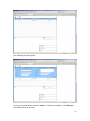
Complete the remaining fields, accept the Terms & Conditions and ‘submit’ your
registration.
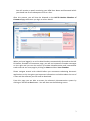
You have now created your company e-cert Account with yourself as the
Administrator (Main User). E-Cert will send you an email containing your company
ID, User Name and password (required for set up purposes only).
Register Yourself as a User
To complete your e-Cert registration, you need to register your User Profile in e-Cert
World.
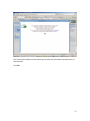
Return to www.e-cert.org.uk
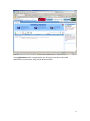
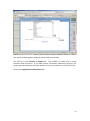
Select ‘register’
Select ‘register yourself as a User’
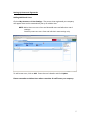
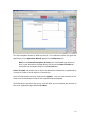
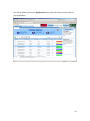
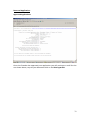
Complete your details and add your e-Cert Account ID, User Name and
password (for set up only) as shown in the email
Click ‘Update’ and you are now ready to start using e-Cert.
2