1
Creating an Application
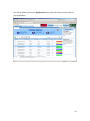
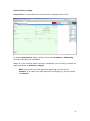
Click into My Applications and Add.
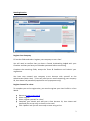
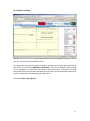
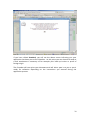
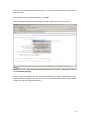
An Application Wizard will appear where you will choose the type of application you
want to submit.
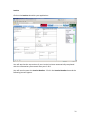
Application Wizard
You are now looking at the above screen.
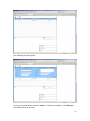
Document Type
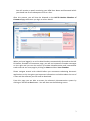
Certificate of Origin- Select EC or Arab or No depending on what you want the
system to produce. You can also select EUR1 or ATR further down.
NOTE: When you are selecting EUR1, please look at the bottom left hand
corner of Page 6 of the form to see which version you will be printing on to.
The Hull & Humber Chamber of Commerce issues 02/97 EUR1s so you must
select the Old version EUR1 in the Application Wizard.
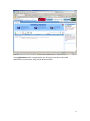
Invoice- Selecting this will produce a standard Sit-Pro aligned document that will be
certified. Clicking ‘backup only’ tells the Chamber the invoice is purely a reference
document and is not to be stamped.
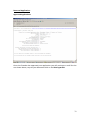
Uploaded Document- Selecting this allows you later on in the application process to
upload a PDF file of a document you require stamping most commonly an invoice.
NOTE: If you want your original invoice to be certified or legalised, convert it
7